View Details
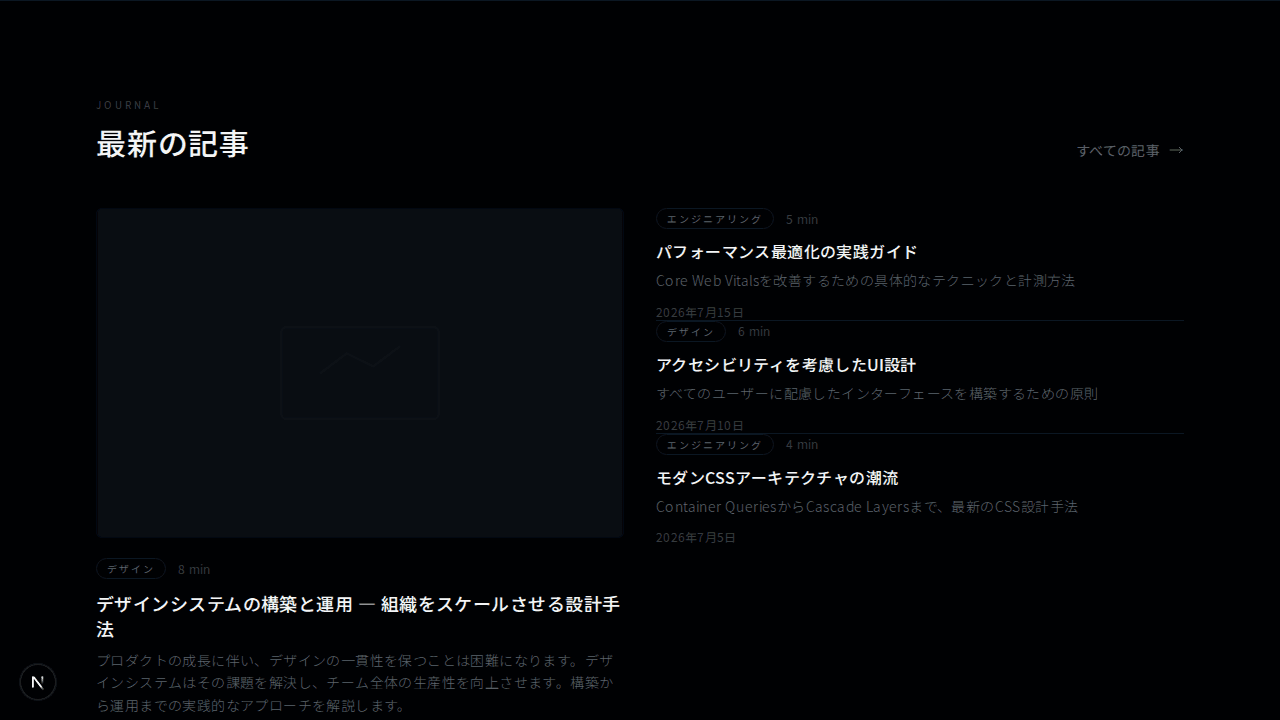
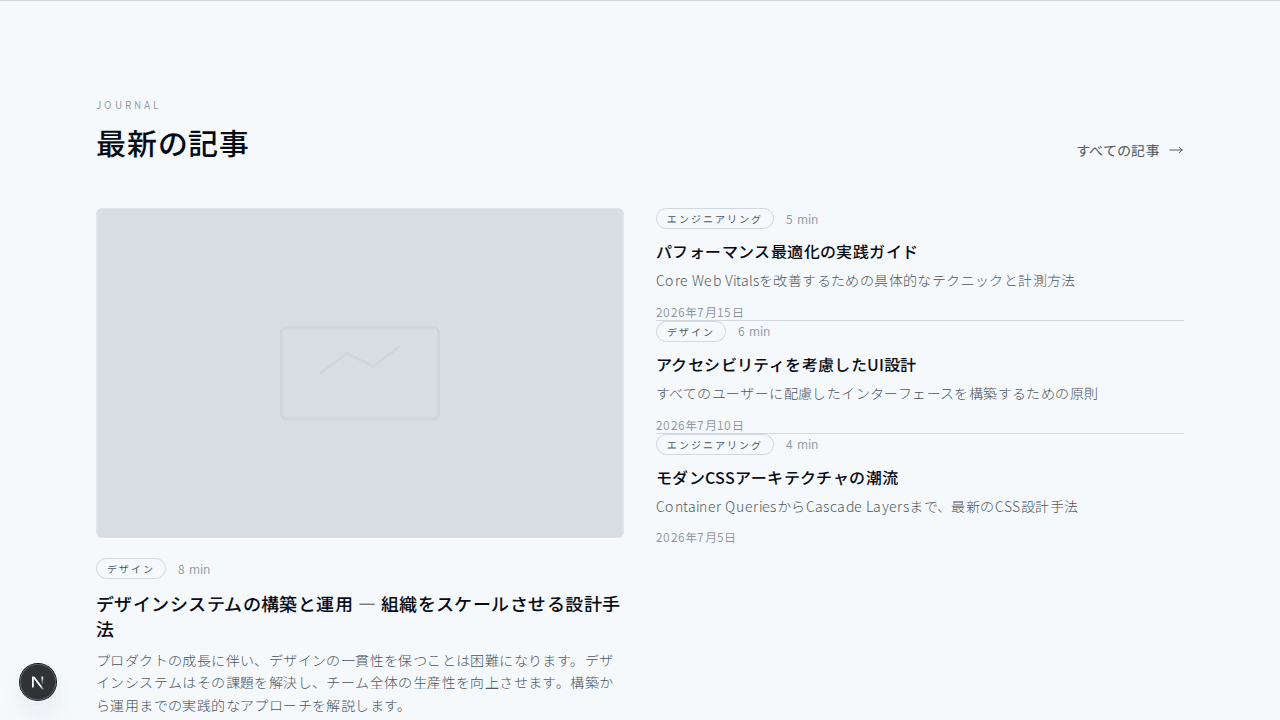
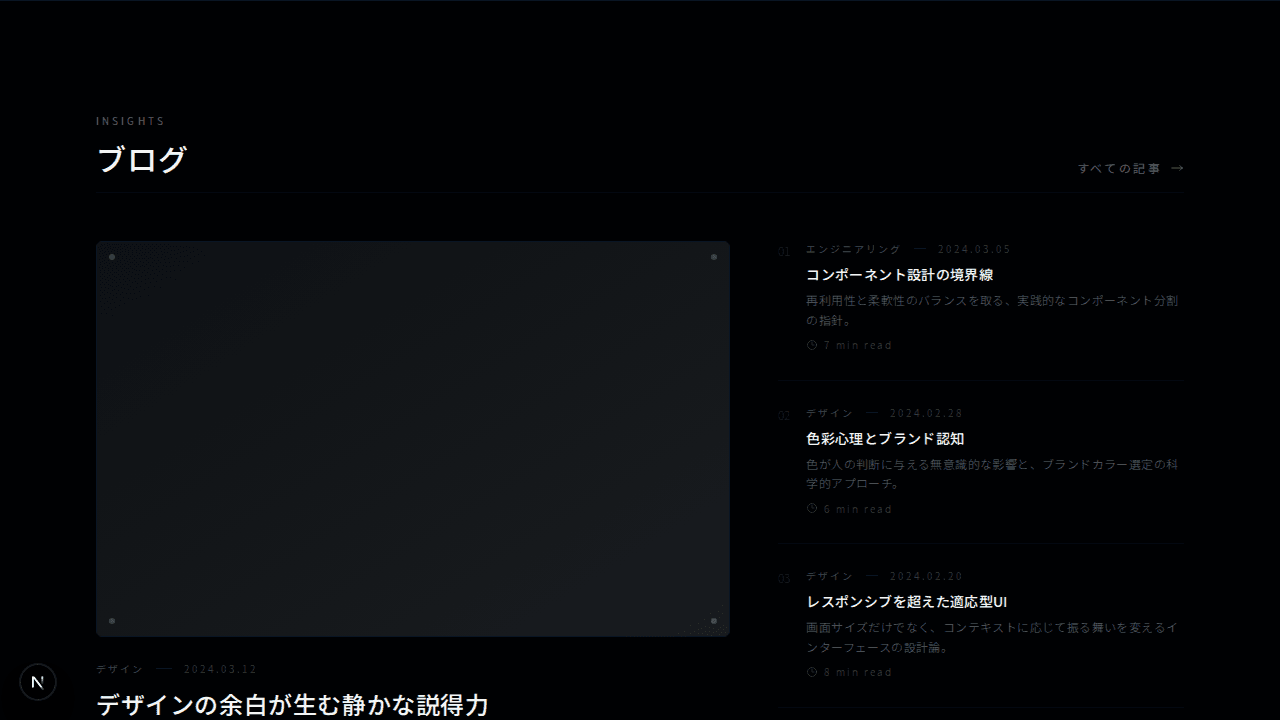
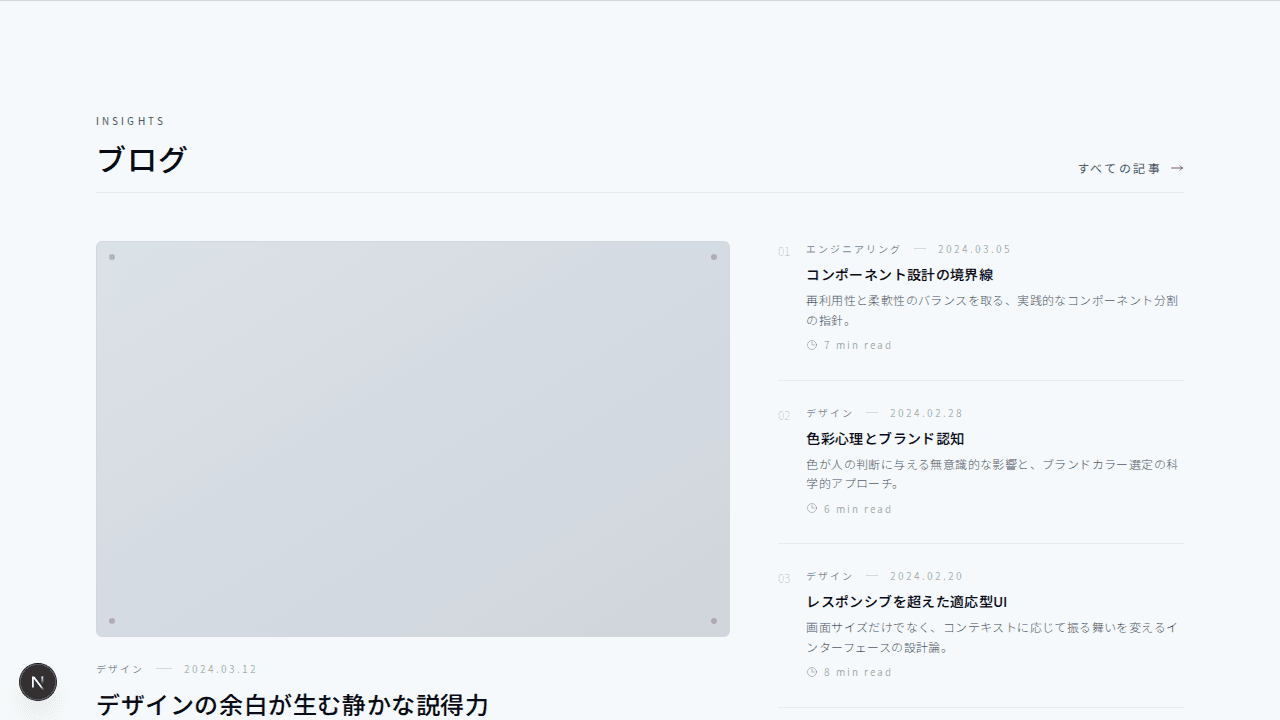
ブログ
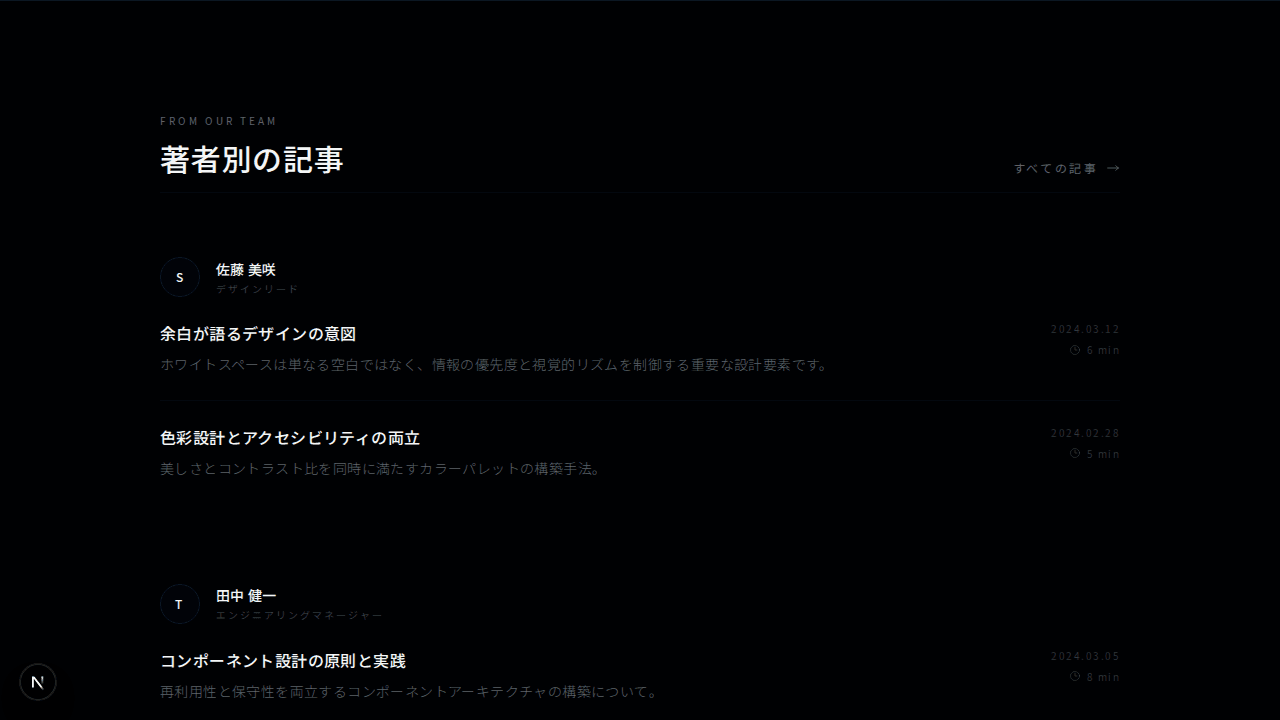
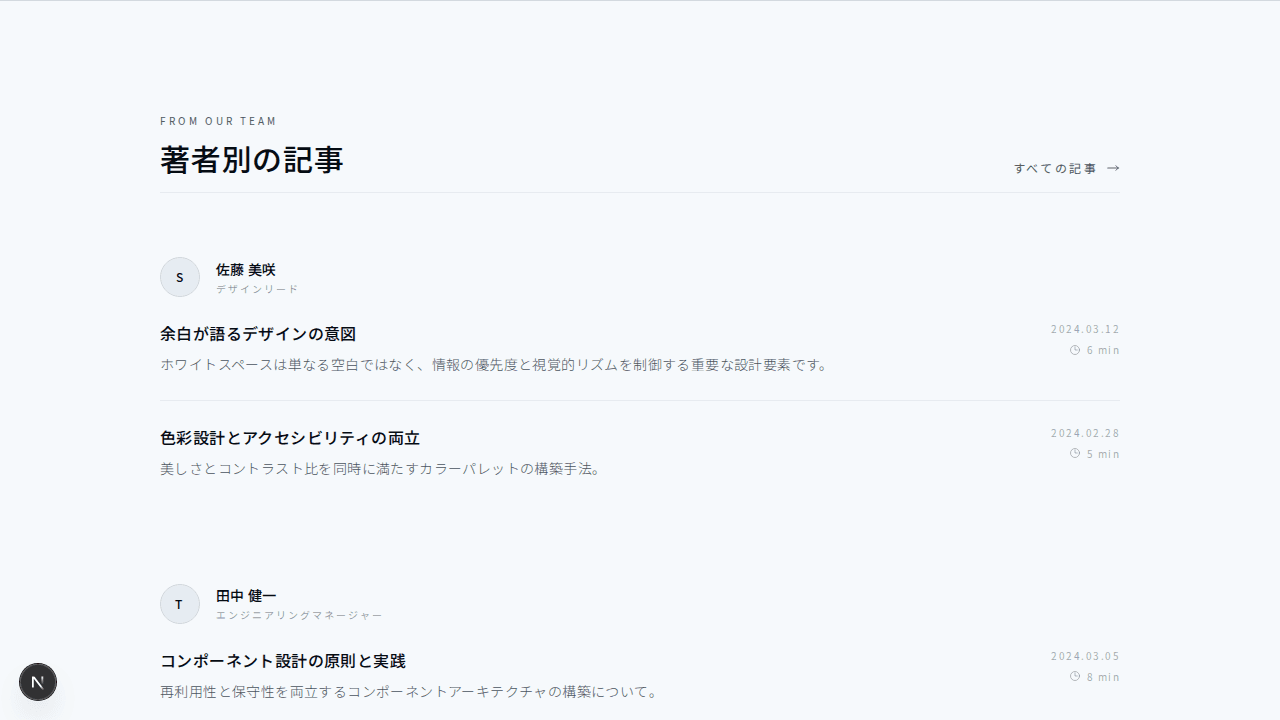
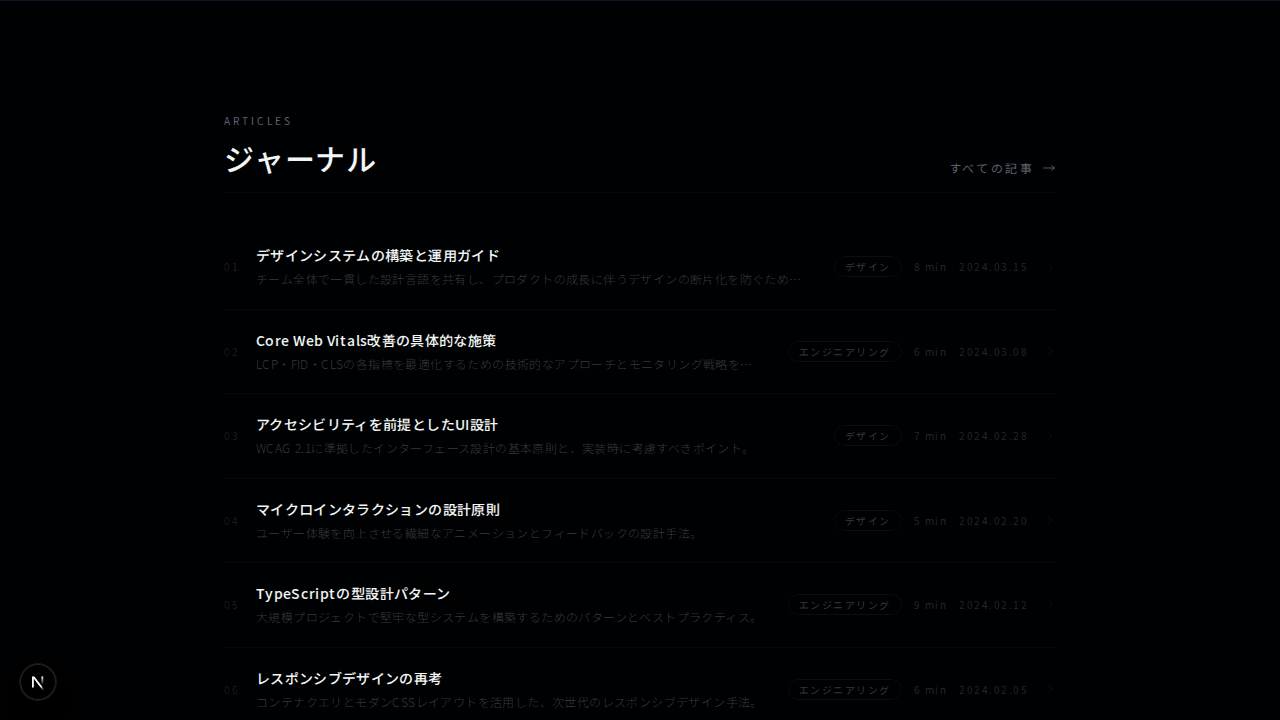
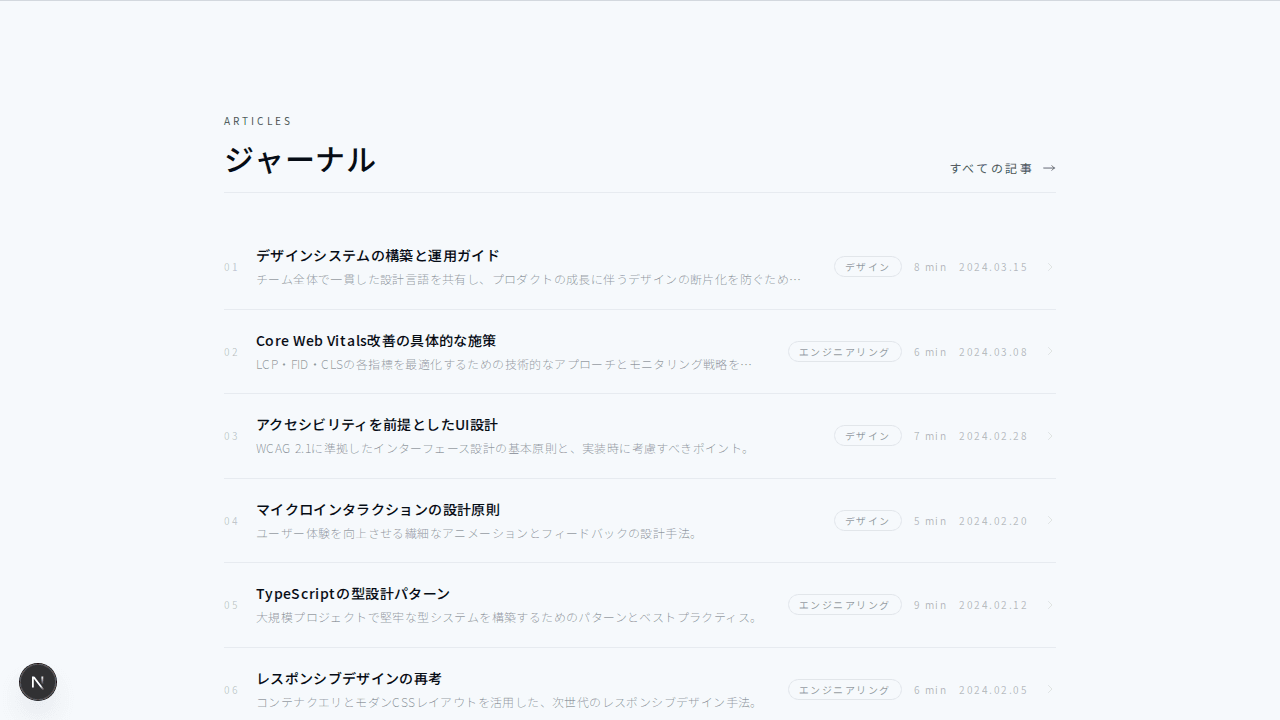
コンパクトブログ一覧
#ミニマル#ホバーエフェクト
縦のタイムラインレイアウトで記事を時系列に沿って表示するブログセクション
1export function BlogTimeline001() {2 const posts = [3 {4 title: "デザインシステムの段階的な導入戦略",5 excerpt:6 "既存プロダクトにデザインシステムを導入する際の実践的なアプローチと、チーム全体での合意形成について解説します。",7 date: "2024.03.12",8 category: "デザイン",9 readTime: "7 min read",10 },11 {12 title: "ウェブアクセシビリティの最新動向",13 excerpt:14 "WCAG 3.0のドラフトを踏まえた、これからのアクセシビリティ対応の方向性を考察します。",15 date: "2024.03.05",16 category: "エンジニアリング",17 readTime: "5 min read",18 },19 {20 title: "コンポーネント設計の原則",21 excerpt:22 "再利用性と保守性を両立するコンポーネント設計のパターンと、避けるべきアンチパターンを紹介します。",23 date: "2024.02.26",24 category: "エンジニアリング",25 readTime: "8 min read",26 },27 {28 title: "カラーシステムの構築方法",29 excerpt:30 "ブランドカラーからUIトークンへの変換プロセスと、ダークモード対応を見据えた設計手法。",31 date: "2024.02.19",32 category: "デザイン",33 readTime: "6 min read",34 },35 {36 title: "マイクロインタラクションの効果",37 excerpt:38 "ユーザー体験を向上させる繊細なアニメーションの設計原則と実装テクニック。",39 date: "2024.02.12",40 category: "デザイン",41 readTime: "4 min read",42 },43 ];4445 return (46 <section className="bg-background py-28 border-t border-border">47 <div className="mx-auto max-w-5xl px-4 sm:px-6 lg:px-8">48 {/* ヘッダー */}49 <div className="flex flex-col gap-4 sm:flex-row sm:items-end sm:justify-between">50 <div>51 <p className="text-[10px] uppercase tracking-[0.3em] text-muted-foreground">52 Timeline53 </p>54 <h2 className="mt-3 text-2xl font-medium tracking-wide text-foreground sm:text-3xl">55 最新の記事56 </h2>57 </div>58 <a59 href="#"60 className="inline-flex items-center gap-2 text-xs uppercase tracking-[0.2em] text-muted-foreground transition-colors duration-200 hover:text-foreground"61 >62 アーカイブ63 <svg64 className="h-3.5 w-3.5"65 fill="none"66 stroke="currentColor"67 viewBox="0 0 24 24"68 >69 <path70 strokeLinecap="round"71 strokeLinejoin="round"72 strokeWidth={1.5}73 d="M17 8l4 4m0 0l-4 4m4-4H3"74 />75 </svg>76 </a>77 </div>7879 <div className="mt-4 h-px bg-border/40" />8081 {/* タイムライン */}82 <div className="relative mt-12">83 {/* 縦線 */}84 <div className="absolute left-[7px] top-2 bottom-2 w-px bg-border/40 sm:left-[100px]" />8586 <div className="space-y-10">87 {posts.map((post, index) => (88 <a89 key={post.title}90 href="#"91 className="group relative block pl-8 sm:pl-[132px]"92 >93 {/* タイムラインドット */}94 <div className="absolute left-[3px] top-1.5 h-2.5 w-2.5 rounded-full border-2 border-border bg-background transition-colors duration-200 group-hover:border-foreground/40 sm:left-[96px]" />9596 {/* 日付(デスクトップ:左サイド) */}97 <div className="absolute left-8 top-0 hidden text-[10px] tracking-[0.2em] text-muted-foreground/50 sm:left-0 sm:block sm:w-[80px] sm:text-right">98 {post.date}99 </div>100101 {/* コンテンツ */}102 <div className="rounded-lg border border-border/60 bg-background p-5 transition-colors duration-200 group-hover:border-border">103 <div className="flex items-center gap-3">104 <span className="text-[10px] uppercase tracking-[0.2em] text-muted-foreground/70">105 {post.category}106 </span>107 <span className="h-px w-3 bg-border" />108 {/* 日付(モバイル表示) */}109 <span className="text-[10px] tracking-[0.2em] text-muted-foreground/50 sm:hidden">110 {post.date}111 </span>112 </div>113 <h3 className="mt-3 text-sm font-medium tracking-wide text-foreground transition-colors duration-200 group-hover:text-muted-foreground sm:text-base">114 {post.title}115 </h3>116 <p className="mt-2 text-xs font-light leading-relaxed text-muted-foreground">117 {post.excerpt}118 </p>119 <div className="mt-4 flex items-center justify-between">120 <div className="flex items-center gap-2 text-[10px] tracking-[0.2em] text-muted-foreground/50">121 <svg122 className="h-3 w-3"123 fill="none"124 stroke="currentColor"125 viewBox="0 0 24 24"126 >127 <path128 strokeLinecap="round"129 strokeLinejoin="round"130 strokeWidth={1.5}131 d="M12 6v6h4.5m4.5 0a9 9 0 11-18 0 9 9 0 0118 0z"132 />133 </svg>134 {post.readTime}135 </div>136 {/* 番号 */}137 <span className="text-[10px] tabular-nums tracking-[0.2em] text-muted-foreground/30">138 {String(index + 1).padStart(2, "0")}139 </span>140 </div>141 </div>142 </a>143 ))}144 </div>145 </div>146 </div>147 </section>148 );149}