View Details
コンタクト
エレガントコンタクト
#ミニマル#スプリット+1
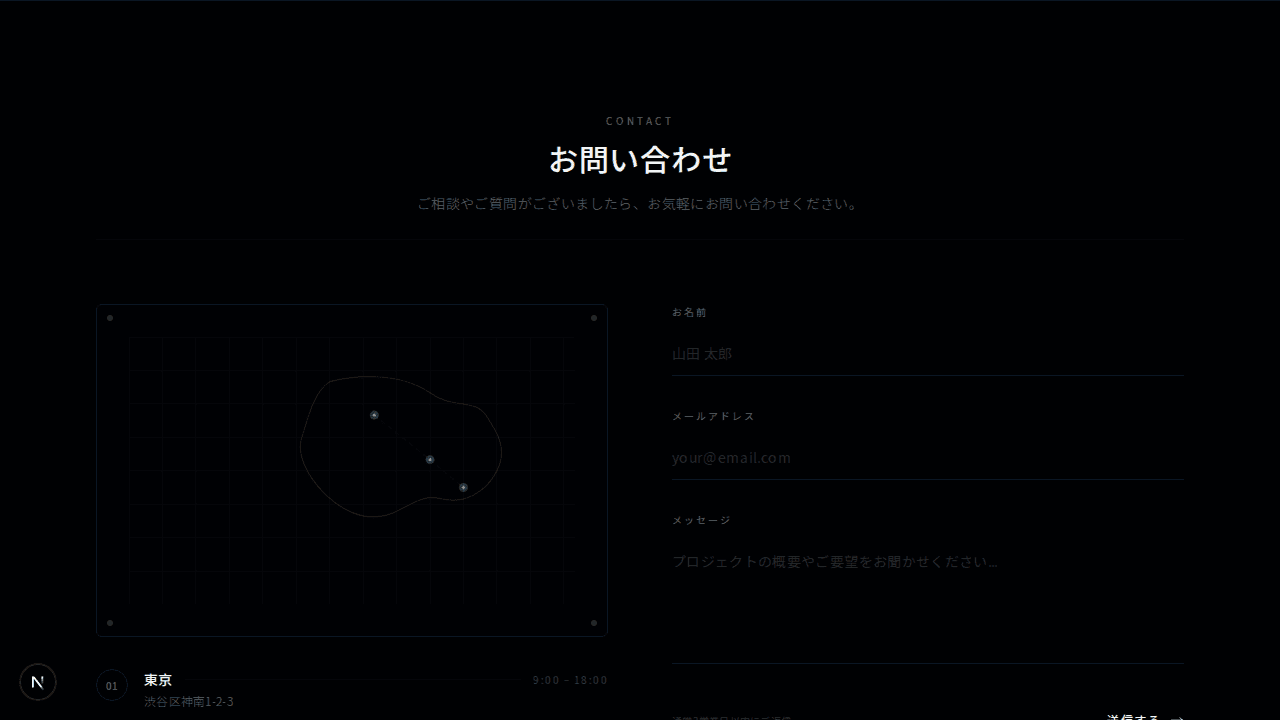
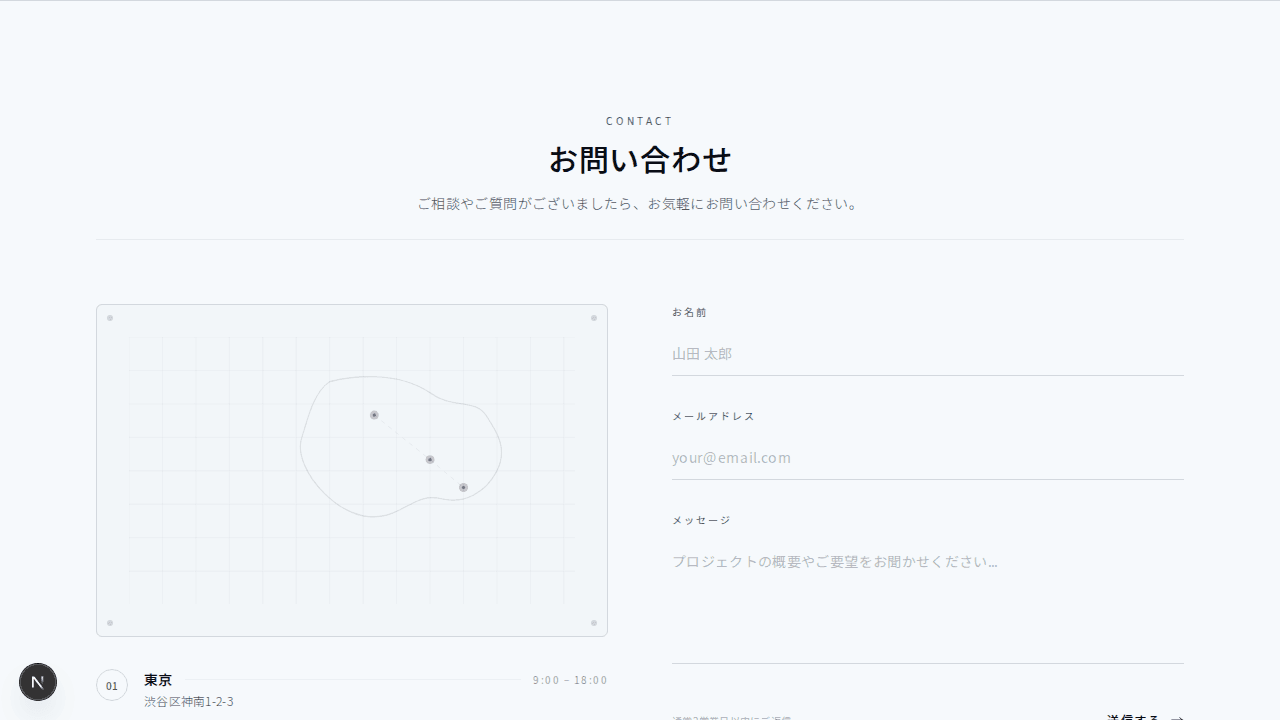
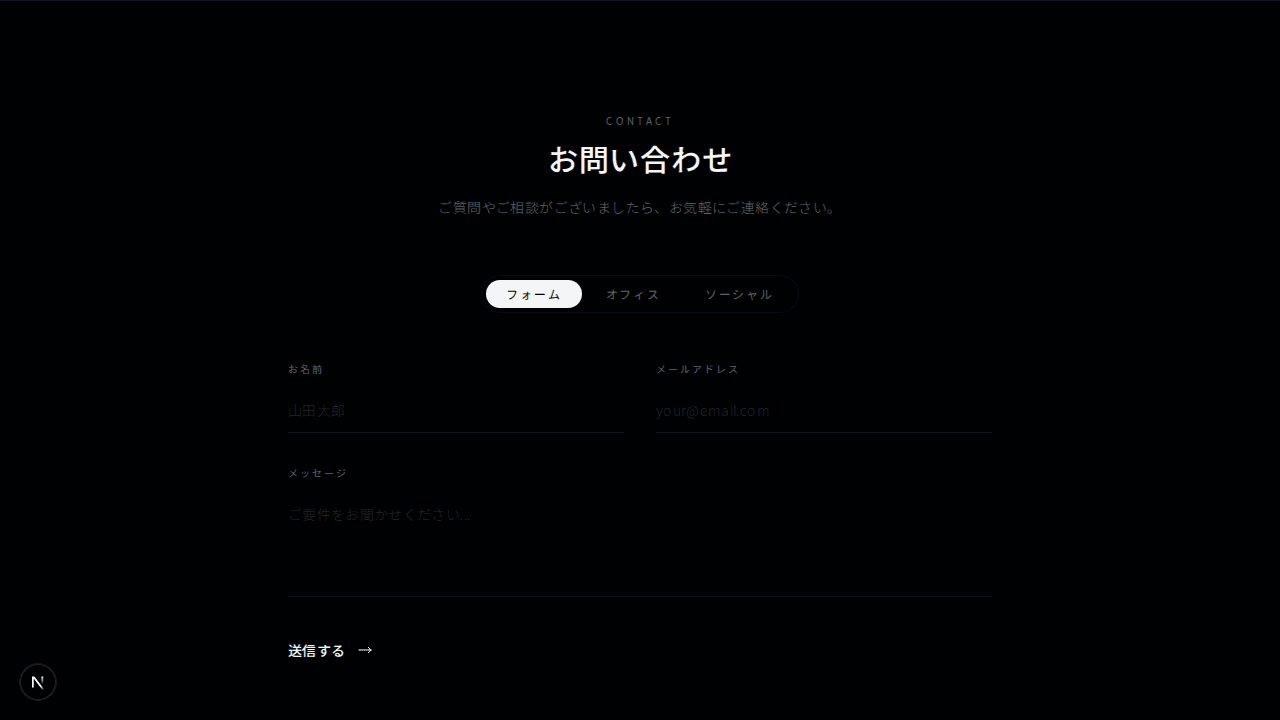
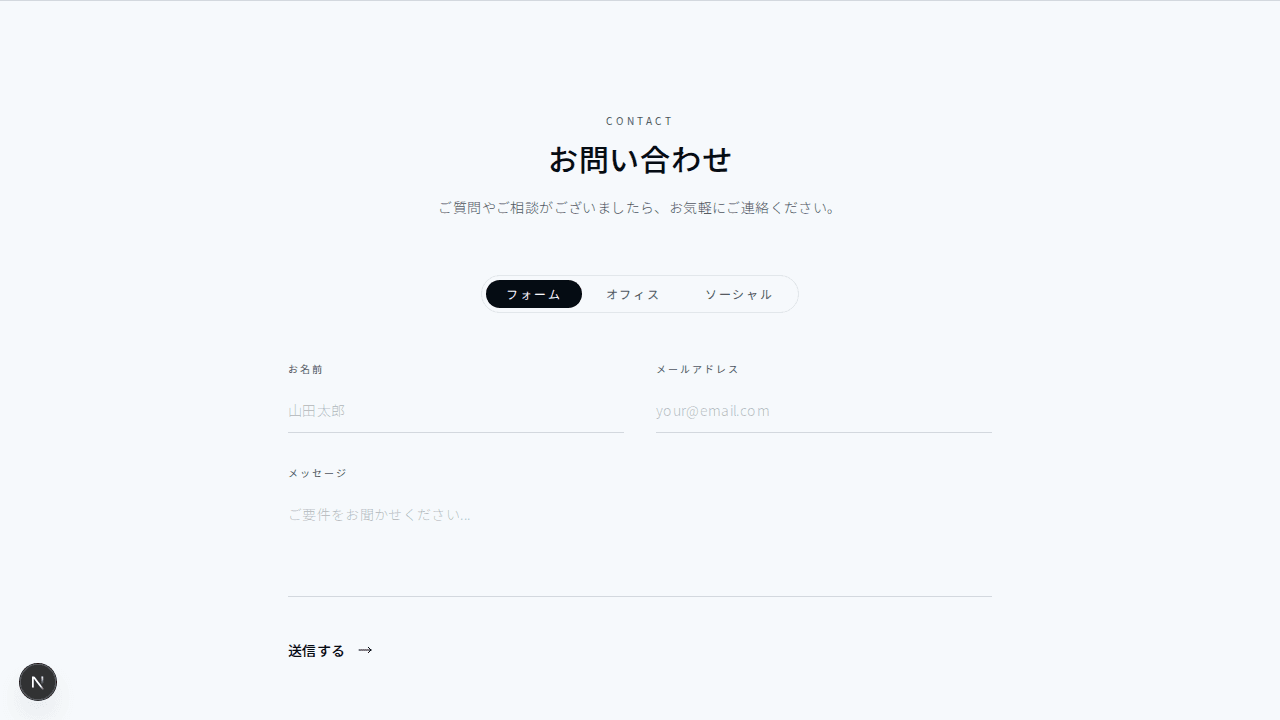
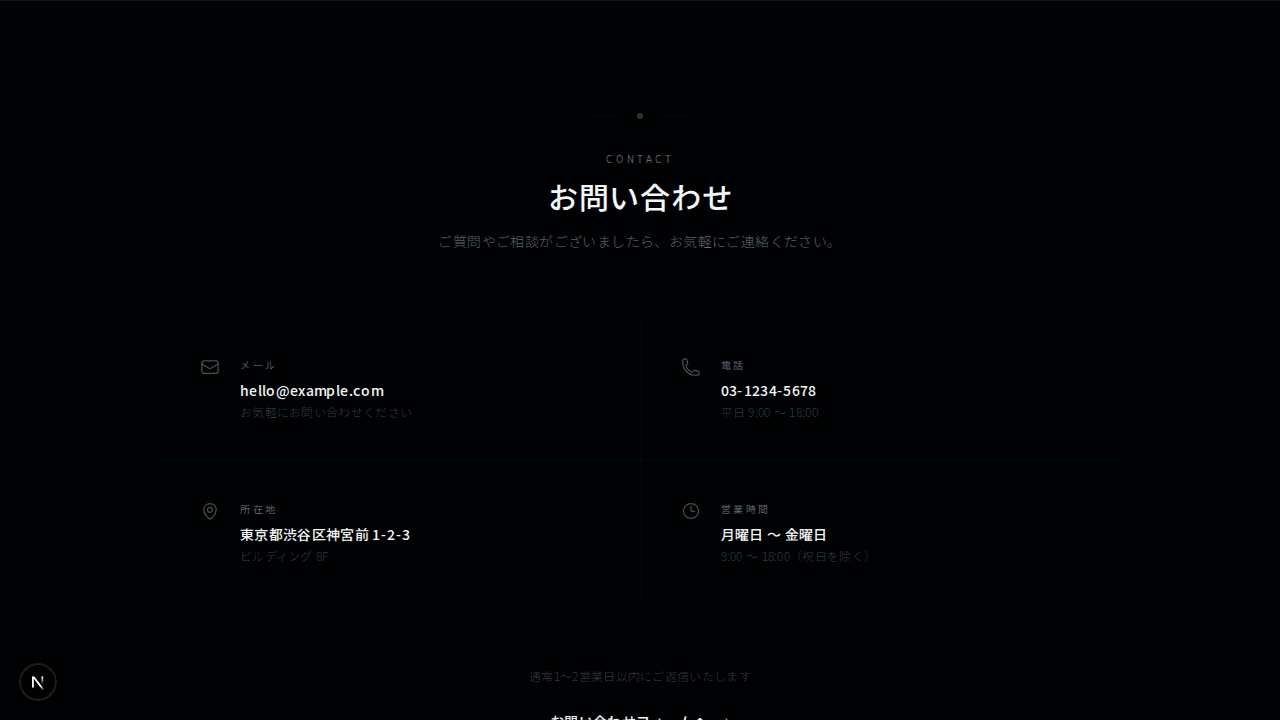
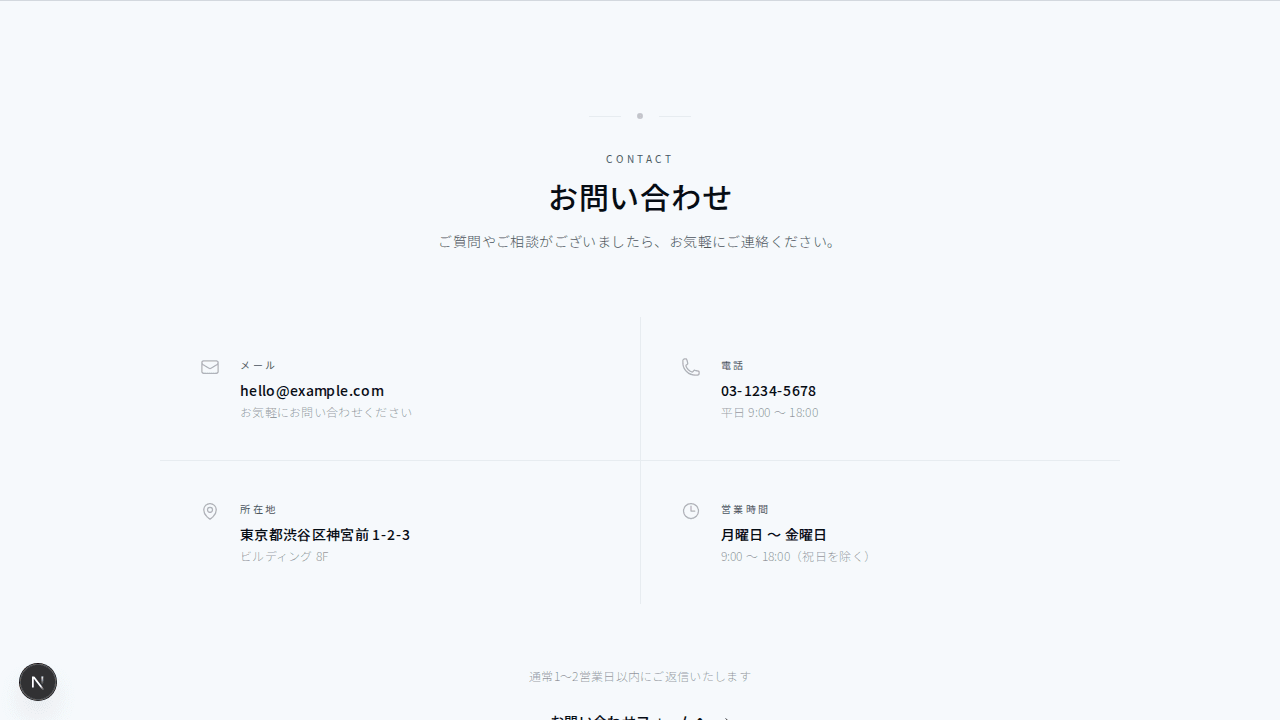
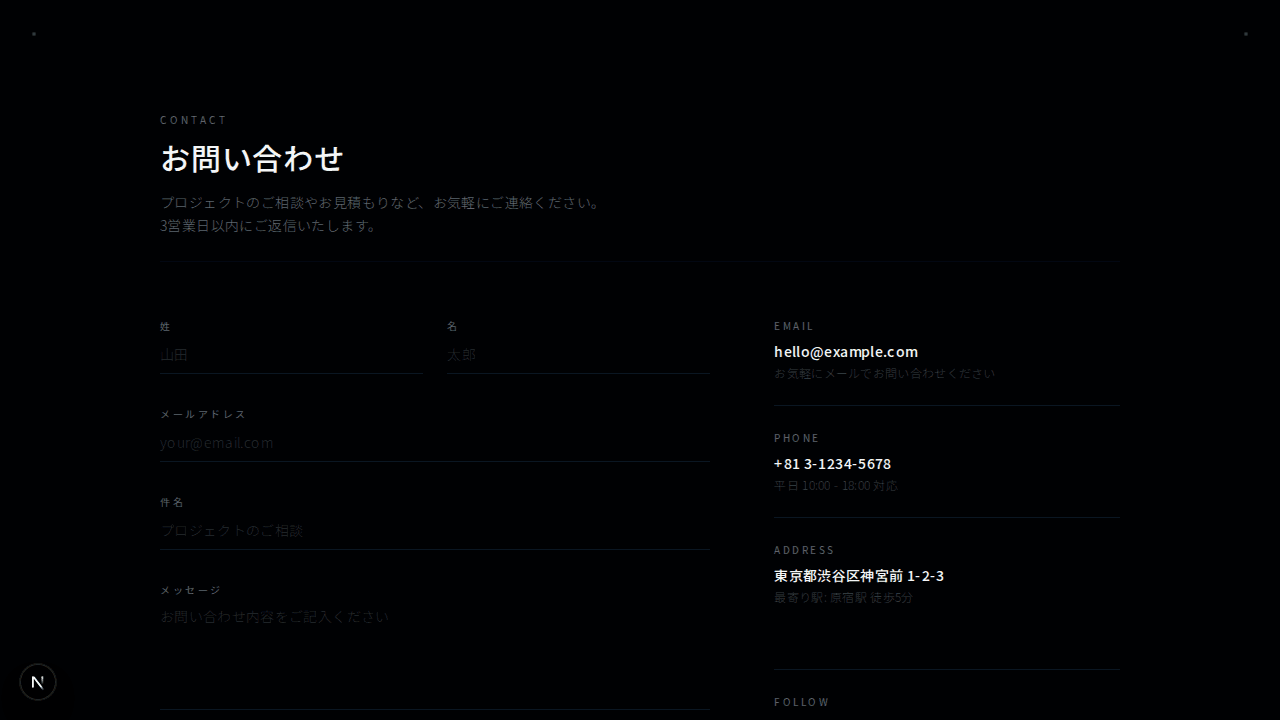
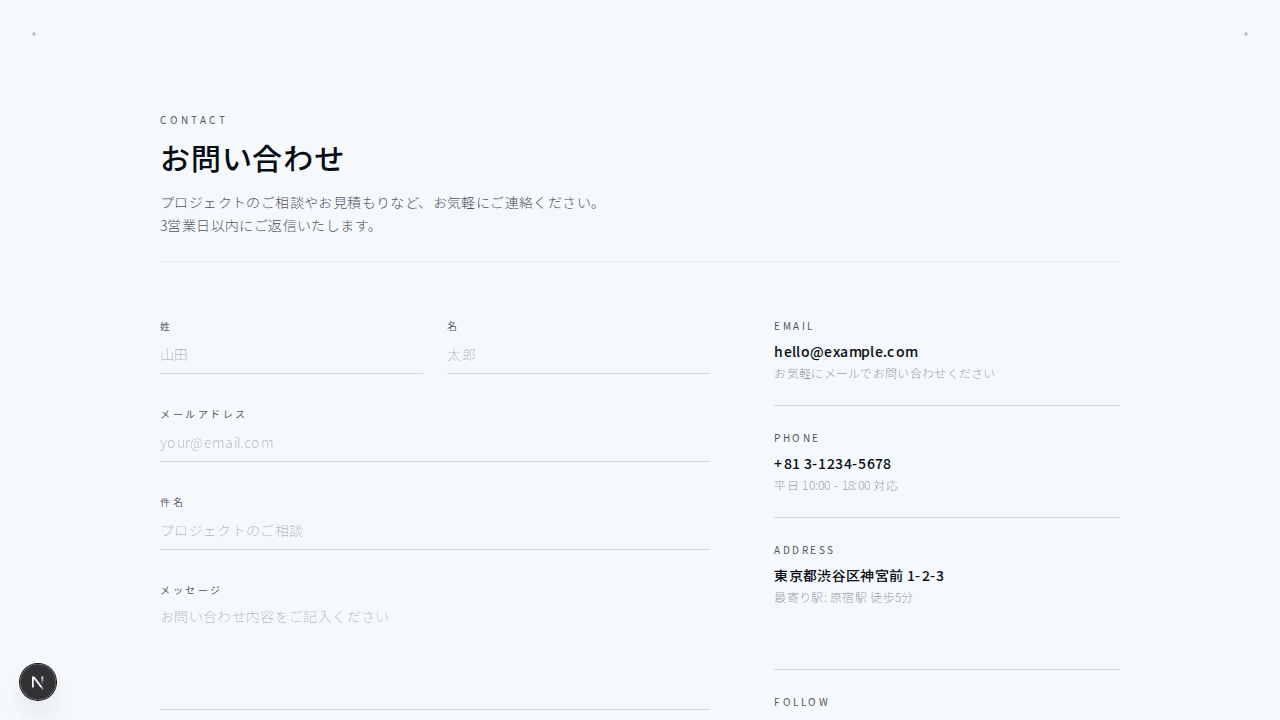
連絡先情報をインライン表示し、その下にミニマルなフォームを配置したコンタクトセクション
1"use client";23import { useState } from "react";45export function ContactInline001() {6 const [formData, setFormData] = useState({7 name: "",8 email: "",9 message: "",10 });1112 const handleSubmit = (e: React.FormEvent) => {13 e.preventDefault();14 };1516 const handleChange = (17 e: React.ChangeEvent<HTMLInputElement | HTMLTextAreaElement>18 ) => {19 setFormData((prev) => ({20 ...prev,21 [e.target.name]: e.target.value,22 }));23 };2425 const contactMethods = [26 { label: "メール", value: "hello@example.com" },27 { label: "電話", value: "+81 3-1234-5678" },28 { label: "所在地", value: "東京都渋谷区" },29 ];3031 return (32 <section className="bg-background py-28">33 <div className="mx-auto max-w-5xl px-4 sm:px-6 lg:px-8">34 {/* ヘッダー */}35 <div className="text-center">36 <p className="mb-4 text-[10px] font-medium uppercase tracking-[0.3em] text-muted-foreground">37 Contact38 </p>39 <h2 className="text-3xl font-light tracking-tight text-foreground sm:text-4xl">40 お気軽にご連絡ください41 </h2>42 <p className="mx-auto mt-4 max-w-lg text-sm font-light leading-relaxed tracking-wide text-muted-foreground">43 プロジェクトのご相談やお見積もりなど、どんなことでもお問い合わせください44 </p>45 </div>4647 {/* 連絡先インライン表示 */}48 <div className="mt-16 flex flex-col items-center justify-center gap-8 sm:flex-row sm:gap-12">49 {contactMethods.map((method, i) => (50 <div key={i} className="flex items-center gap-3">51 <div className="h-1.5 w-1.5 rounded-full bg-foreground/30" />52 <div>53 <p className="text-[10px] uppercase tracking-[0.2em] text-muted-foreground">54 {method.label}55 </p>56 <p className="text-sm tracking-wide text-foreground">57 {method.value}58 </p>59 </div>60 </div>61 ))}62 </div>6364 {/* 区切り線 */}65 <div className="mx-auto my-16 h-px w-full max-w-md bg-border/40" />6667 {/* フォーム */}68 <form onSubmit={handleSubmit} className="mx-auto max-w-xl space-y-6">69 <div className="grid grid-cols-1 gap-6 sm:grid-cols-2">70 <div>71 <label72 htmlFor="contact-inline-name"73 className="block text-[10px] font-medium uppercase tracking-[0.2em] text-muted-foreground"74 >75 お名前76 </label>77 <input78 type="text"79 id="contact-inline-name"80 name="name"81 value={formData.name}82 onChange={handleChange}83 className="mt-3 block w-full border-b border-border/60 bg-transparent py-3 text-sm tracking-wide text-foreground placeholder:text-muted-foreground/40 transition-colors focus:border-foreground/40 focus:outline-none"84 placeholder="山田 太郎"85 />86 </div>87 <div>88 <label89 htmlFor="contact-inline-email"90 className="block text-[10px] font-medium uppercase tracking-[0.2em] text-muted-foreground"91 >92 メールアドレス93 </label>94 <input95 type="email"96 id="contact-inline-email"97 name="email"98 value={formData.email}99 onChange={handleChange}100 className="mt-3 block w-full border-b border-border/60 bg-transparent py-3 text-sm tracking-wide text-foreground placeholder:text-muted-foreground/40 transition-colors focus:border-foreground/40 focus:outline-none"101 placeholder="your@email.com"102 />103 </div>104 </div>105106 <div>107 <label108 htmlFor="contact-inline-message"109 className="block text-[10px] font-medium uppercase tracking-[0.2em] text-muted-foreground"110 >111 メッセージ112 </label>113 <textarea114 id="contact-inline-message"115 name="message"116 rows={4}117 value={formData.message}118 onChange={handleChange}119 className="mt-3 block w-full resize-none border-b border-border/60 bg-transparent py-3 text-sm tracking-wide text-foreground placeholder:text-muted-foreground/40 transition-colors focus:border-foreground/40 focus:outline-none"120 placeholder="プロジェクトの詳細をお聞かせください..."121 />122 </div>123124 <div className="pt-4 text-center">125 <button126 type="submit"127 className="border border-border px-8 py-3 text-xs font-medium uppercase tracking-[0.2em] text-foreground transition-colors hover:bg-foreground/5"128 >129 送信する130 </button>131 </div>132 </form>133 </div>134 </section>135 );136}