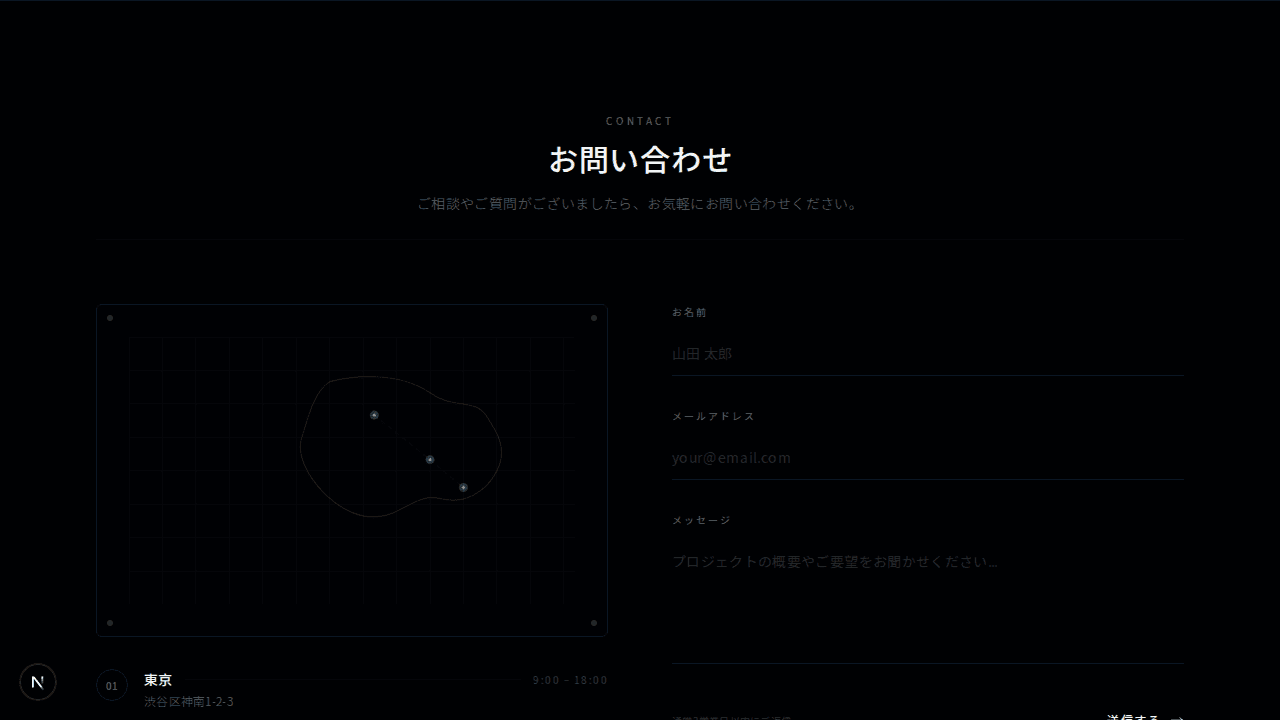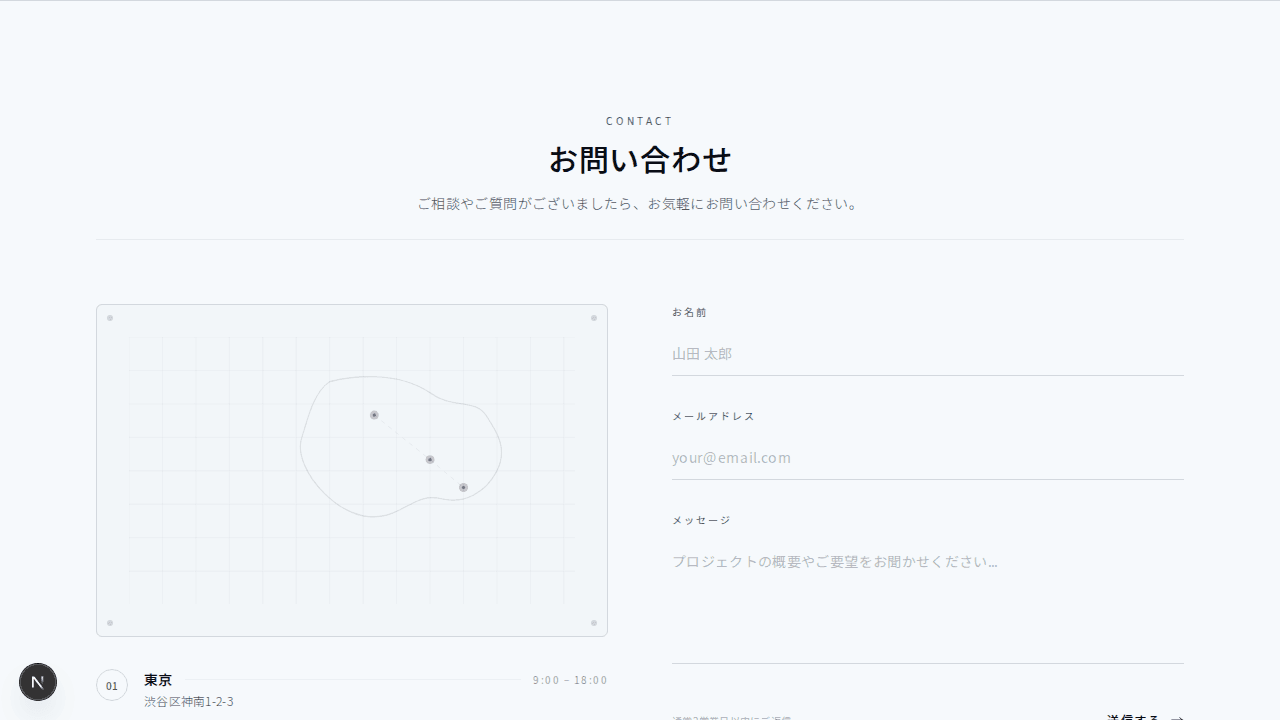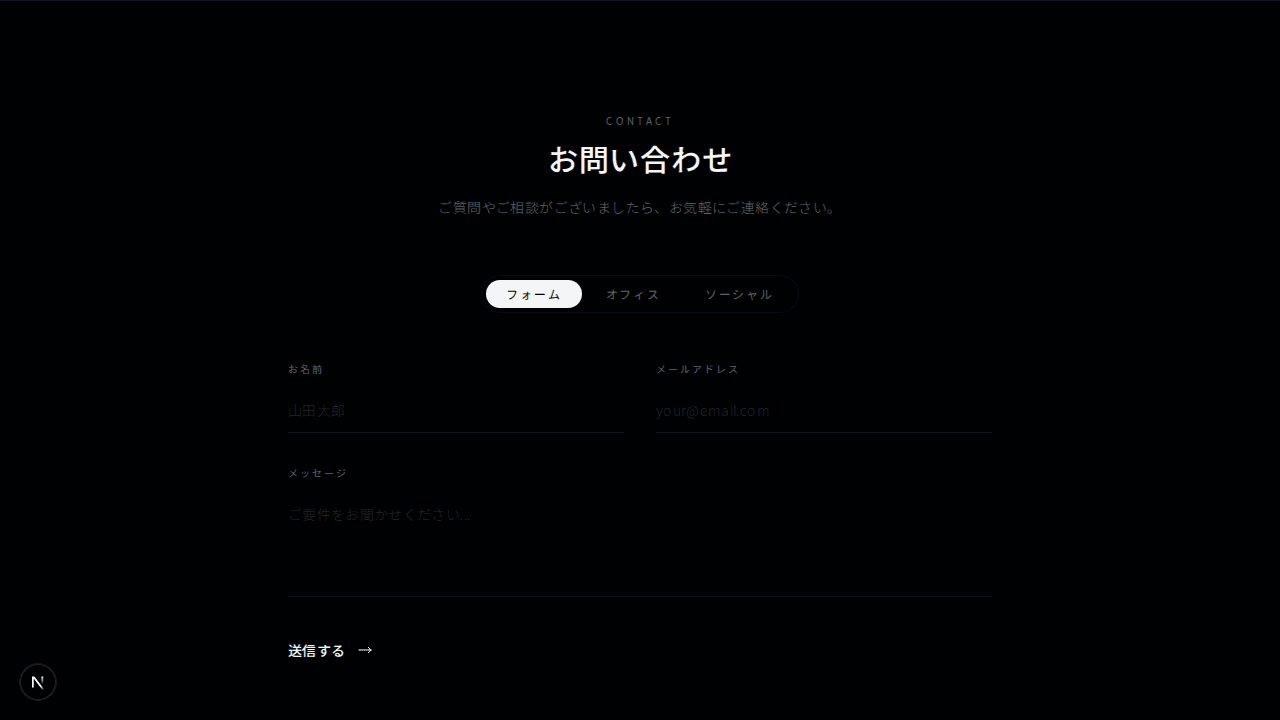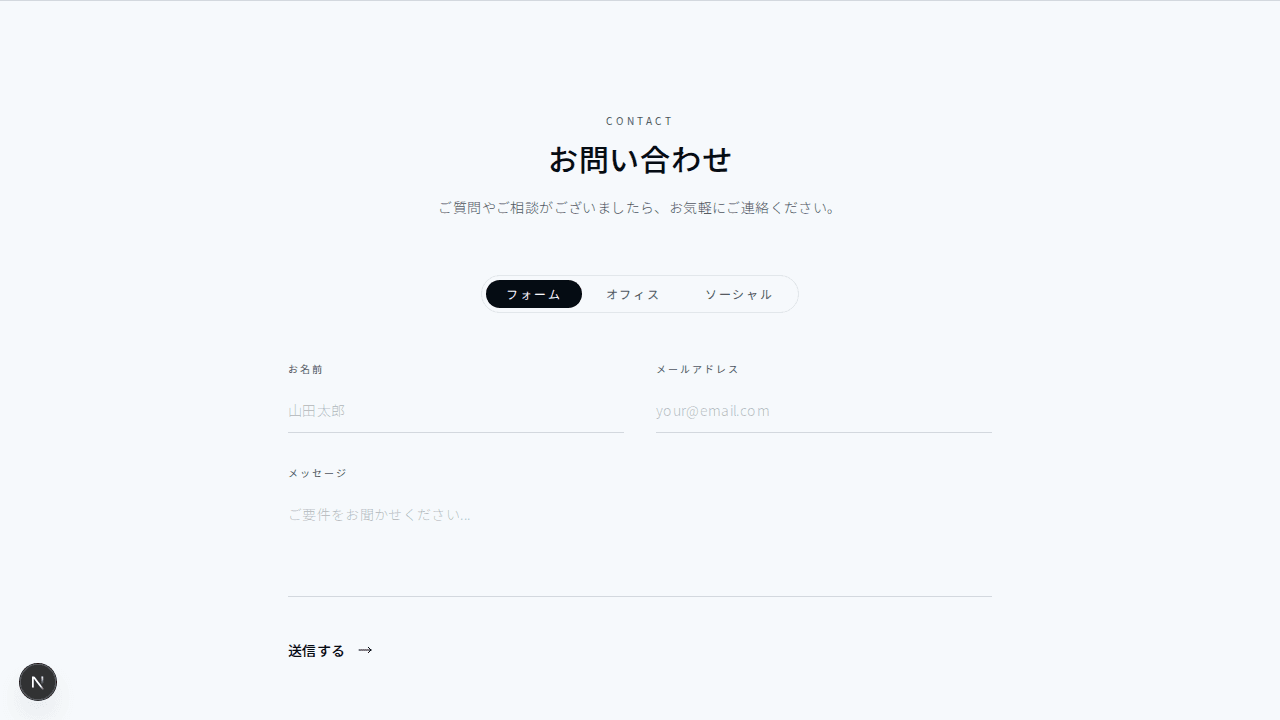
View Details
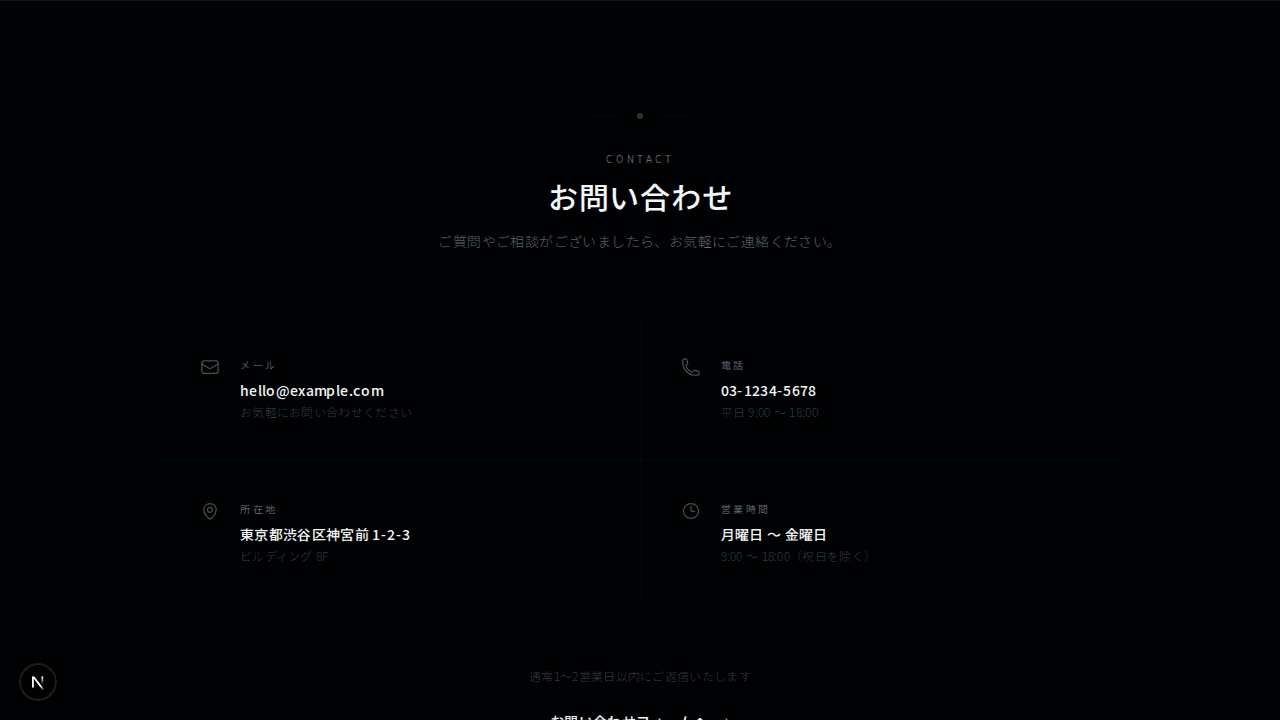
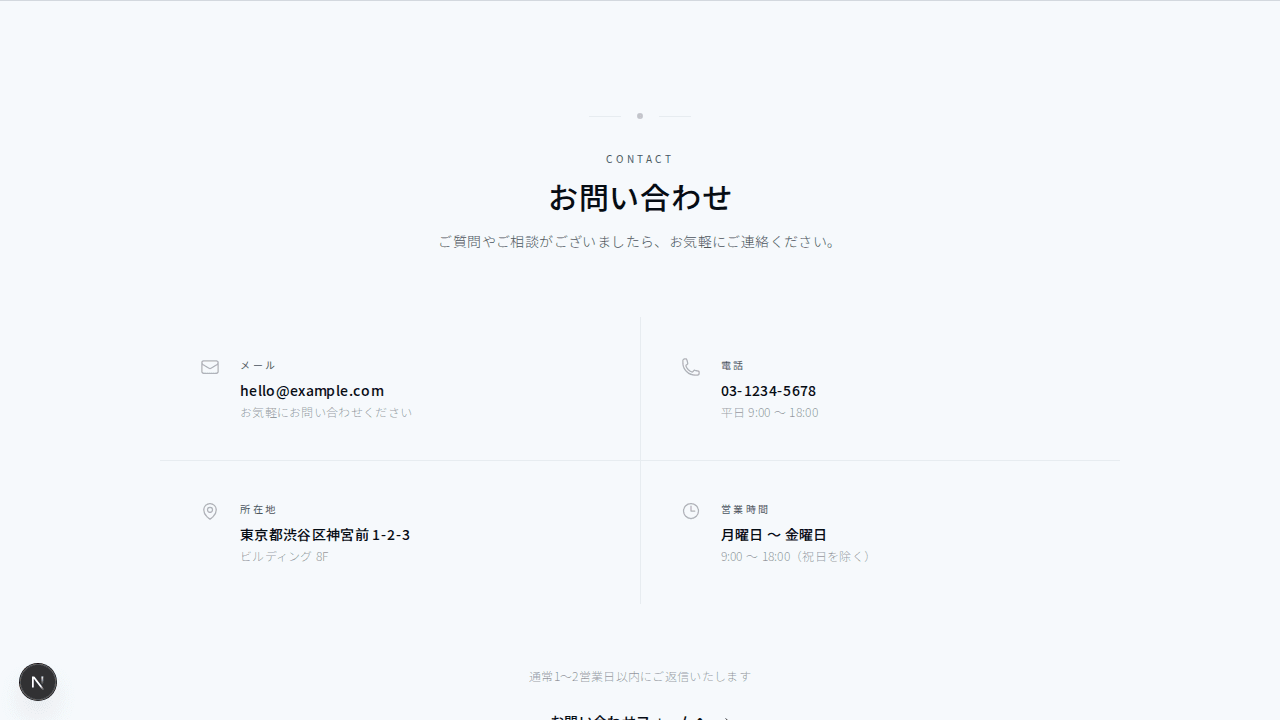
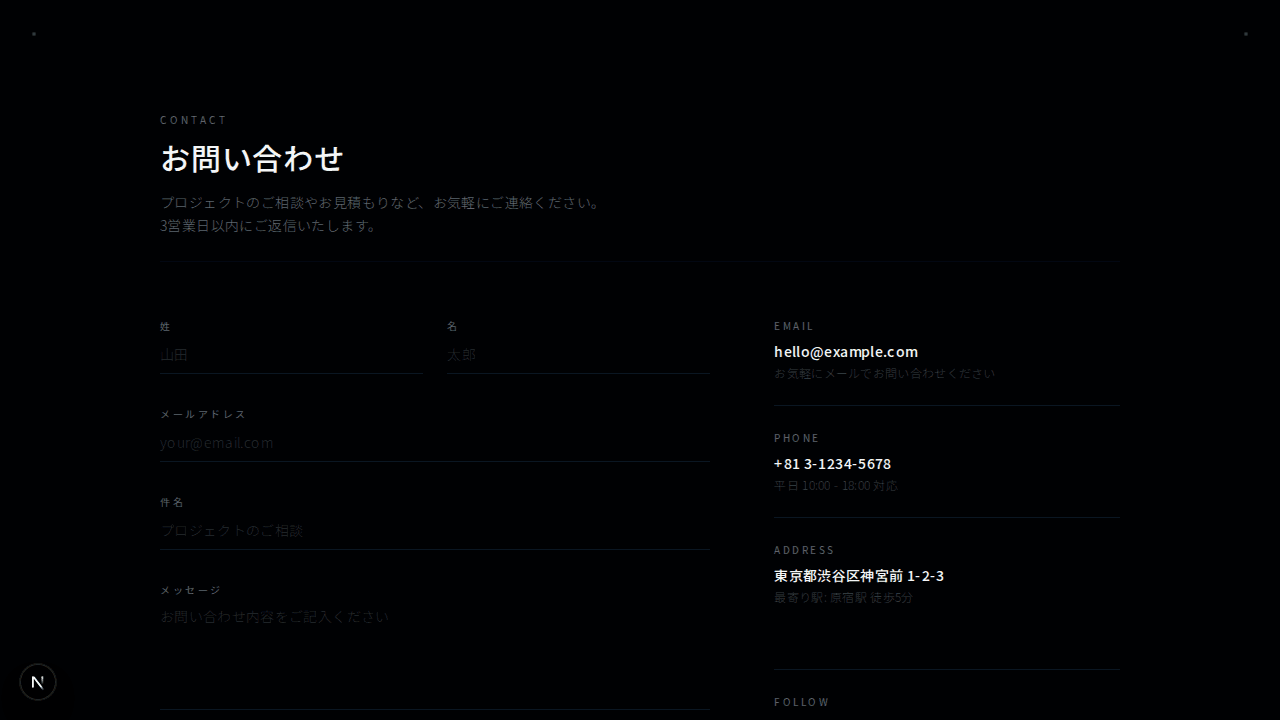
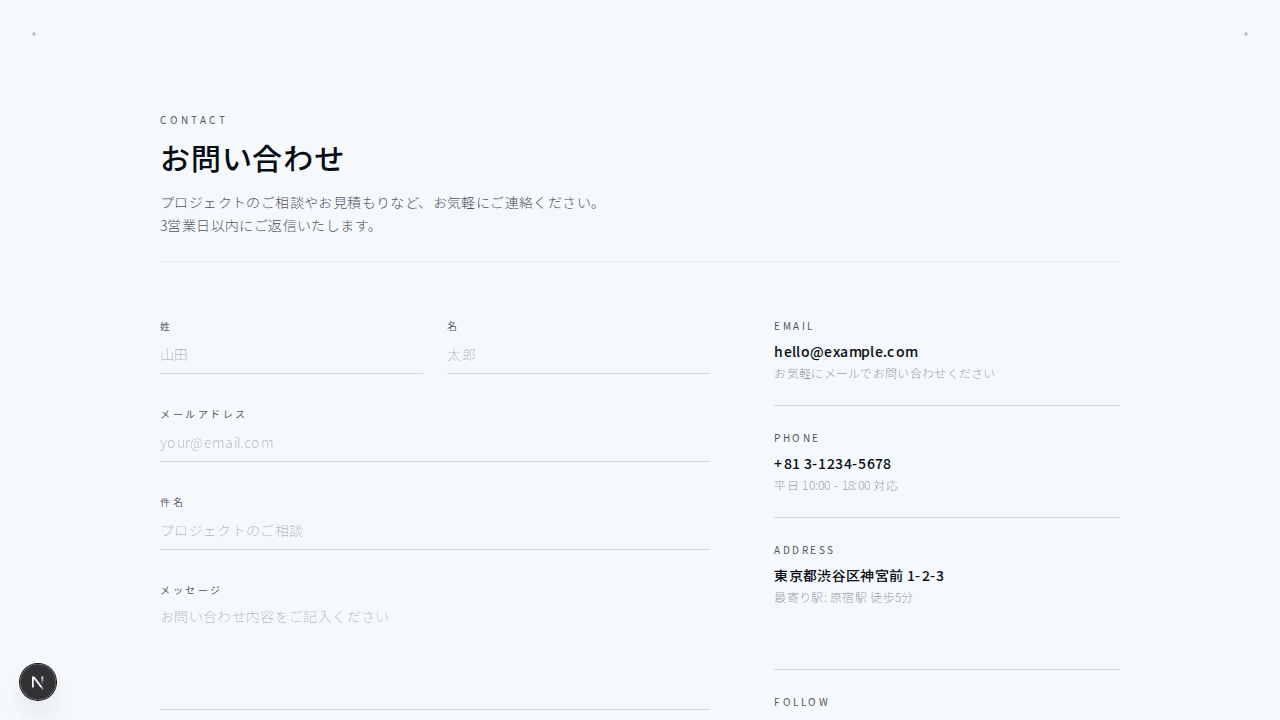
コンタクト
エレガントコンタクト
#ミニマル#スプリット+1
シンプルなお問い合わせフォーム
1"use client";23import { useState } from "react";4import Link from "next/link";56export function ContactMinimal001() {7 const [formData, setFormData] = useState({8 name: "",9 email: "",10 message: "",11 });1213 const handleSubmit = (e: React.FormEvent) => {14 e.preventDefault();15 // Handle form submission16 };1718 const handleChange = (19 e: React.ChangeEvent<HTMLInputElement | HTMLTextAreaElement>20 ) => {21 setFormData((prev) => ({22 ...prev,23 [e.target.name]: e.target.value,24 }));25 };2627 return (28 <section className="bg-background py-24 border-t border-border">29 <div className="mx-auto max-w-2xl px-4 sm:px-6 lg:px-8">30 {/* Header */}31 <div className="text-center">32 <h2 className="text-2xl font-semibold tracking-wide text-foreground sm:text-3xl">33 Get in touch34 </h2>35 <p className="mt-4 text-sm leading-relaxed tracking-wide text-muted-foreground">36 Have a question or want to work together? <br className="hidden sm:block" />37 Drop us a message below.38 </p>39 </div>4041 {/* Form */}42 <form onSubmit={handleSubmit} className="mt-14 space-y-6">43 <div className="grid grid-cols-1 gap-6 sm:grid-cols-2">44 <div>45 <label46 htmlFor="contact-name"47 className="block text-xs font-medium uppercase tracking-[0.15em] text-muted-foreground"48 >49 Name50 </label>51 <input52 type="text"53 id="contact-name"54 name="name"55 value={formData.name}56 onChange={handleChange}57 className="mt-3 block w-full border-b border-border bg-transparent py-3 text-sm tracking-wide text-foreground placeholder-muted-foreground/60 transition-colors duration-200 focus:border-primary focus:outline-none"58 placeholder="Your name"59 />60 </div>6162 <div>63 <label64 htmlFor="contact-email"65 className="block text-xs font-medium uppercase tracking-[0.15em] text-muted-foreground"66 >67 Email68 </label>69 <input70 type="email"71 id="contact-email"72 name="email"73 value={formData.email}74 onChange={handleChange}75 className="mt-3 block w-full border-b border-border bg-transparent py-3 text-sm tracking-wide text-foreground placeholder-muted-foreground/60 transition-colors duration-200 focus:border-primary focus:outline-none"76 placeholder="your@email.com"77 />78 </div>79 </div>8081 <div>82 <label83 htmlFor="contact-message"84 className="block text-xs font-medium uppercase tracking-[0.15em] text-muted-foreground"85 >86 Message87 </label>88 <textarea89 id="contact-message"90 name="message"91 rows={4}92 value={formData.message}93 onChange={handleChange}94 className="mt-3 block w-full resize-none border-b border-border bg-transparent py-3 text-sm tracking-wide text-foreground placeholder-muted-foreground/60 transition-colors duration-200 focus:border-primary focus:outline-none"95 placeholder="Tell us about your project..."96 />97 </div>9899 <div className="pt-4">100 <button101 type="submit"102 className="w-full rounded-lg bg-primary px-6 py-3.5 text-sm font-medium tracking-wide text-primary-foreground transition-all duration-200 hover:bg-primary/90 sm:w-auto"103 >104 Send Message105 </button>106 </div>107 </form>108109 {/* Alternative Contact */}110 <div className="mt-16 text-center">111 <p className="text-xs tracking-wide text-muted-foreground/70">112 Prefer email?{" "}113 <Link114 href="mailto:hello@example.com"115 className="text-muted-foreground transition-colors duration-200 hover:text-foreground"116 >117 hello@example.com118 </Link>119 </p>120 </div>121 </div>122 </section>123 );124}