View Details
CTA
シンプルCTA
#ミニマル#インタラクティブ
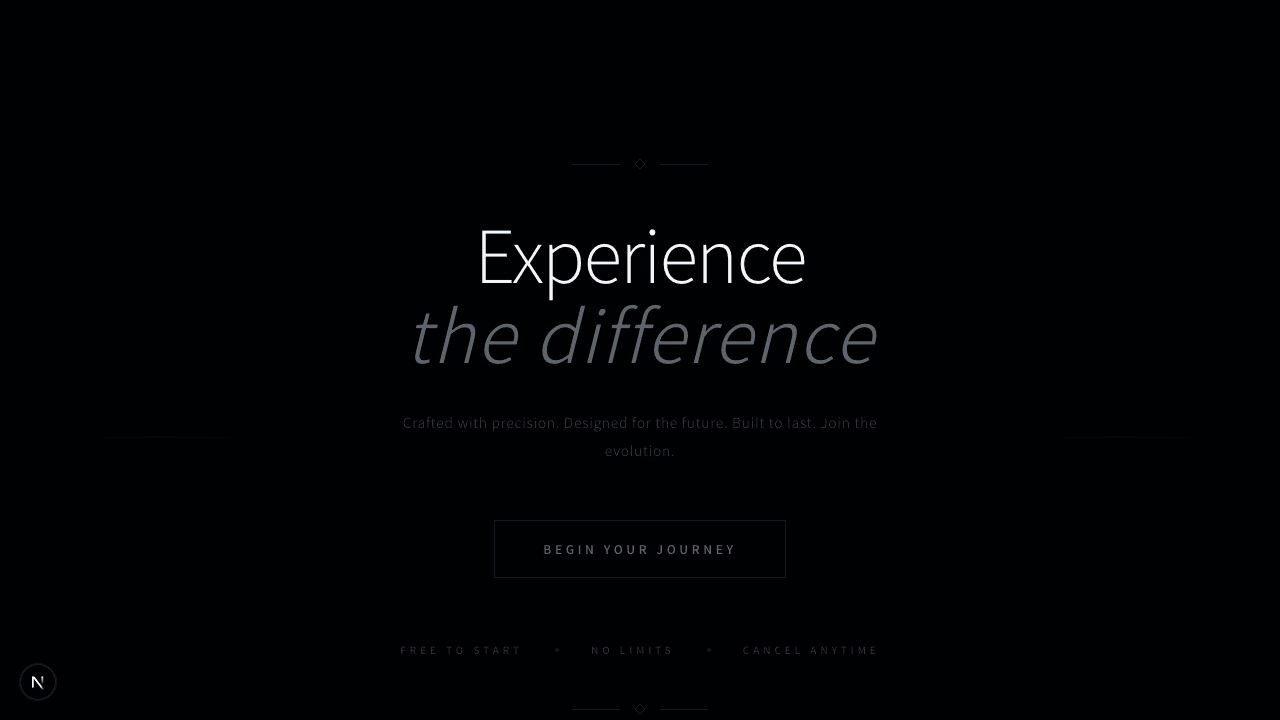
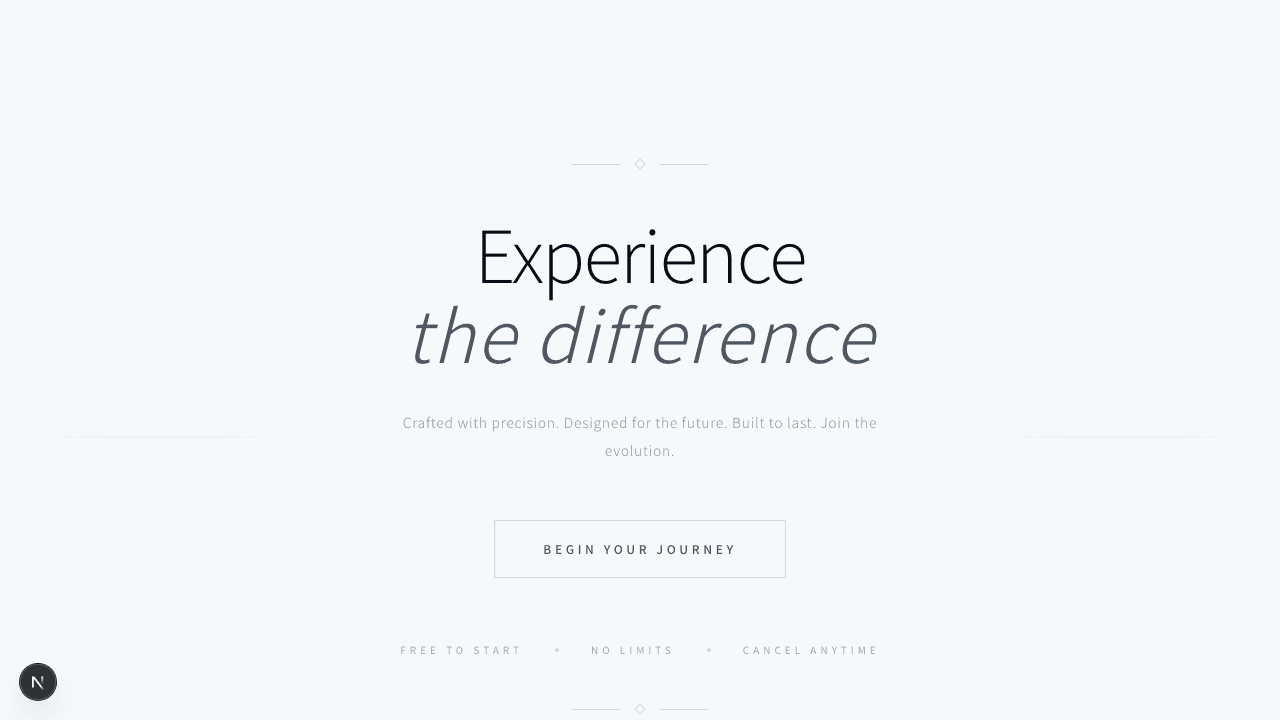
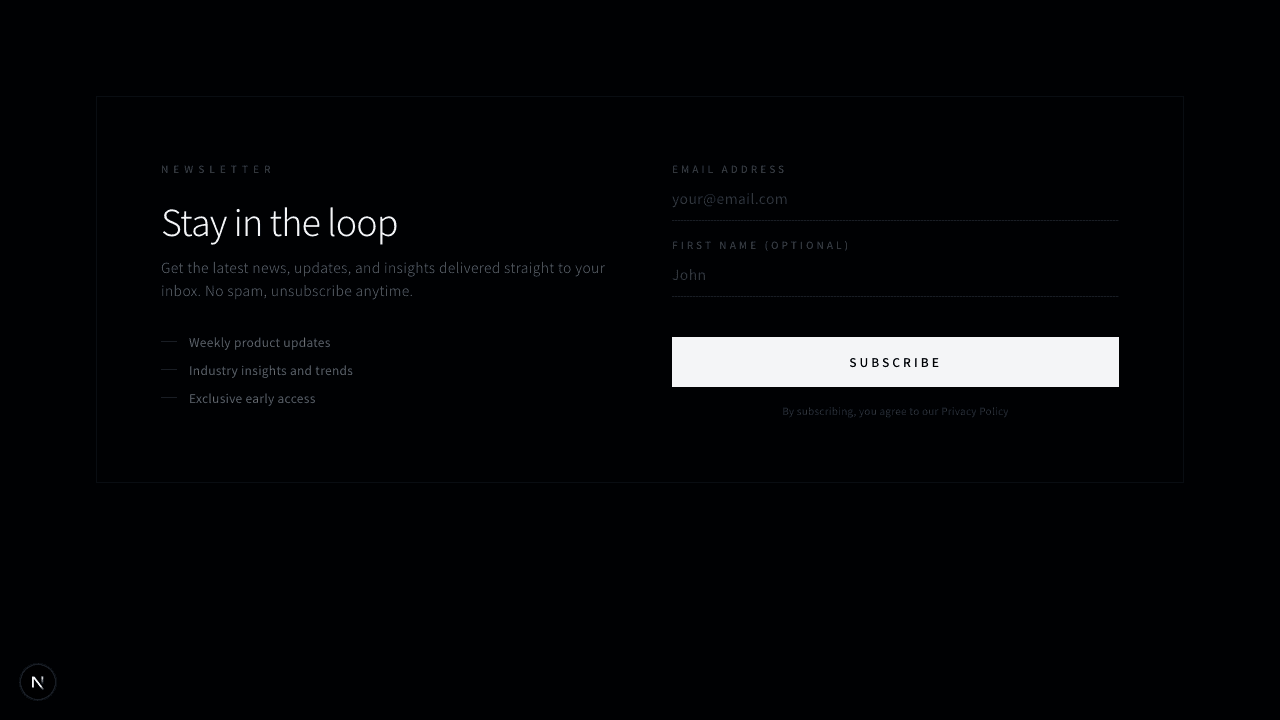
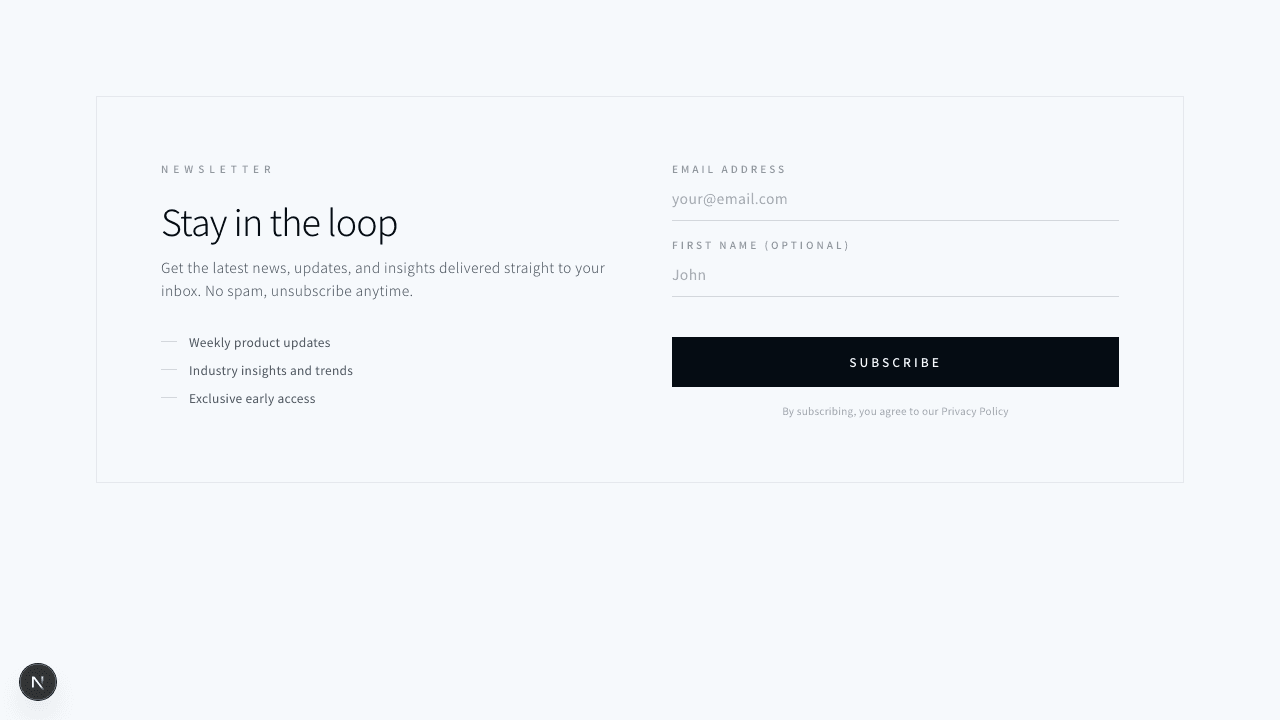
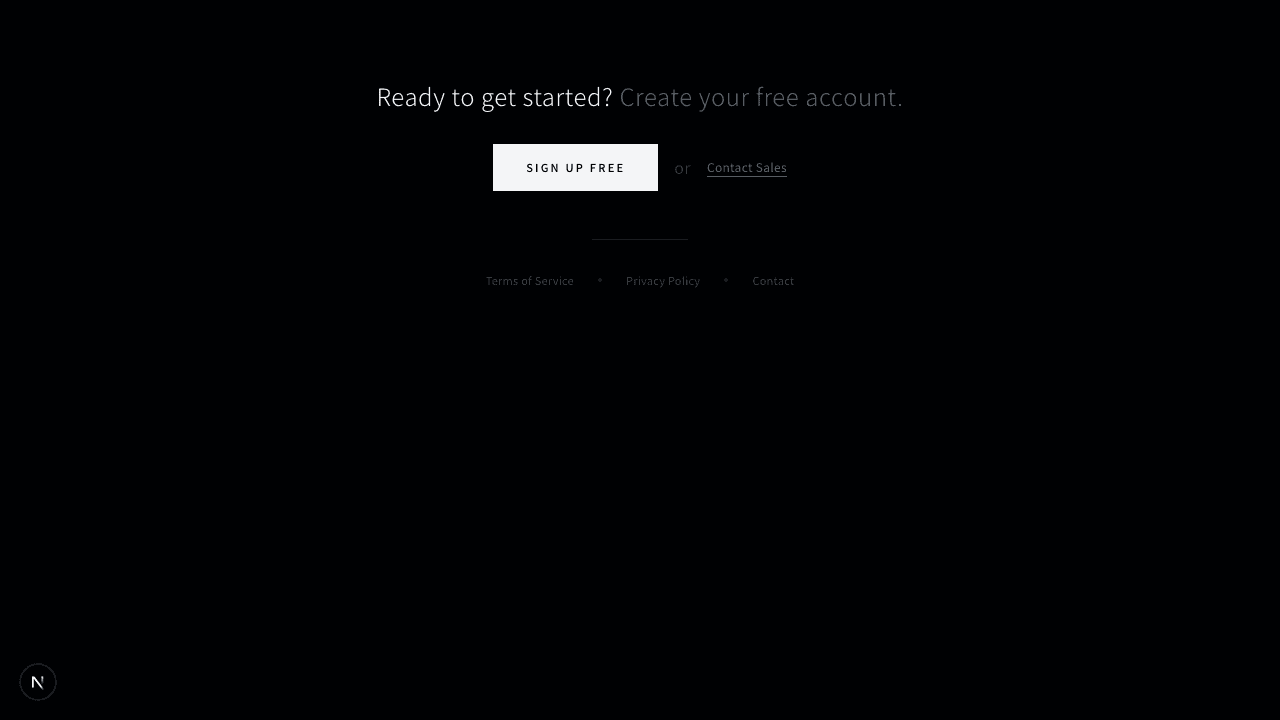
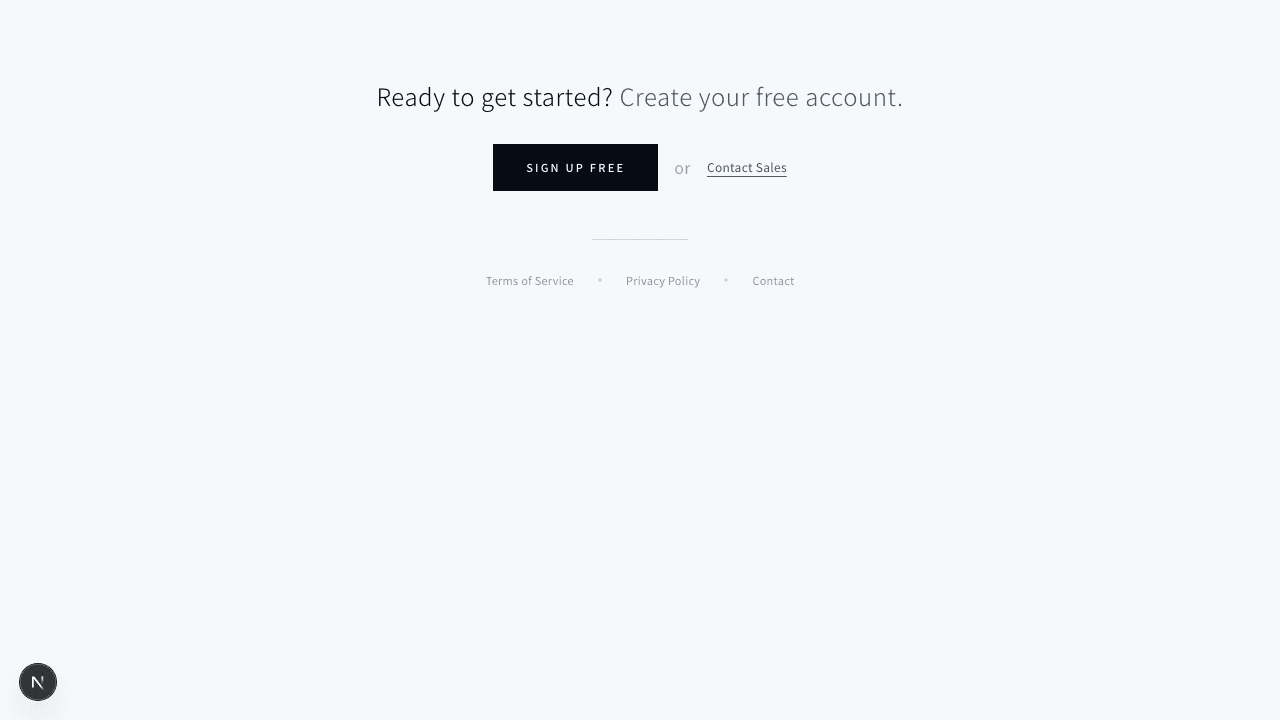
重なり合うボーダーで奥行きを表現した、建築的な印象のCTAセクション
1function CornerDots({ className = "" }: { className?: string }) {2 return (3 <div className={`absolute h-3 w-3 ${className}`}>4 <div className="absolute left-0 top-0 h-1 w-1 rounded-full bg-muted-foreground/40" />5 <div className="absolute right-0 top-0 h-1 w-1 rounded-full bg-muted-foreground/40" />6 <div className="absolute bottom-0 left-0 h-1 w-1 rounded-full bg-muted-foreground/40" />7 <div className="absolute bottom-0 right-0 h-1 w-1 rounded-full bg-muted-foreground/40" />8 </div>9 );10}1112export function CtaLayered001() {13 return (14 <section className="bg-background py-28">15 <div className="mx-auto max-w-5xl px-4 sm:px-6 lg:px-8">16 <div className="relative">17 {/* 背面レイヤー */}18 <div className="absolute inset-0 translate-x-3 translate-y-3 border border-border/30" />19 <div className="absolute inset-0 translate-x-1.5 translate-y-1.5 border border-border/50" />2021 {/* メインカード */}22 <div className="relative border border-border bg-background p-12 sm:p-16">23 <CornerDots className="left-4 top-4" />24 <CornerDots className="right-4 top-4" />25 <CornerDots className="bottom-4 left-4" />26 <CornerDots className="bottom-4 right-4" />2728 <div className="flex flex-col items-center gap-10 sm:flex-row sm:items-start sm:justify-between">29 {/* テキスト */}30 <div className="max-w-md text-center sm:text-left">31 <p className="text-[10px] uppercase tracking-[0.3em] text-muted-foreground">32 次のステップへ33 </p>34 <h2 className="mt-4 text-3xl font-light tracking-wide text-foreground sm:text-4xl">35 あなたのプロジェクトを36 <br />37 一緒に始めましょう38 </h2>39 <div className="mx-auto mt-6 h-px w-12 bg-foreground/20 sm:mx-0" />40 <p className="mt-6 text-sm font-light leading-relaxed tracking-wide text-muted-foreground">41 初回の無料相談で、プロジェクトの方向性と最適なアプローチをご提案します。お気軽にお問い合わせください。42 </p>43 </div>4445 {/* ボタングループ */}46 <div className="flex flex-col gap-3 sm:pt-8">47 <button className="bg-primary px-8 py-3 text-xs font-medium uppercase tracking-[0.2em] text-primary-foreground transition-colors hover:bg-primary/90">48 無料で相談する49 </button>50 <button className="border border-border px-8 py-3 text-xs font-medium uppercase tracking-[0.2em] text-foreground/70 transition-colors hover:border-foreground/40 hover:text-foreground">51 詳しく見る52 </button>53 </div>54 </div>5556 {/* 補足テキスト */}57 <div className="mt-12 flex items-center justify-center gap-6 border-t border-border/40 pt-8 sm:justify-start">58 <div className="flex items-center gap-2">59 <span className="h-1.5 w-1.5 rounded-full bg-foreground/30" />60 <span className="text-[10px] uppercase tracking-[0.2em] text-muted-foreground">61 無料相談62 </span>63 </div>64 <div className="flex items-center gap-2">65 <span className="h-1.5 w-1.5 rounded-full bg-foreground/30" />66 <span className="text-[10px] uppercase tracking-[0.2em] text-muted-foreground">67 即日対応68 </span>69 </div>70 <div className="flex items-center gap-2">71 <span className="h-1.5 w-1.5 rounded-full bg-foreground/30" />72 <span className="text-[10px] uppercase tracking-[0.2em] text-muted-foreground">73 NDA対応可74 </span>75 </div>76 </div>77 </div>78 </div>79 </div>80 </section>81 );82}