View Details
FAQ
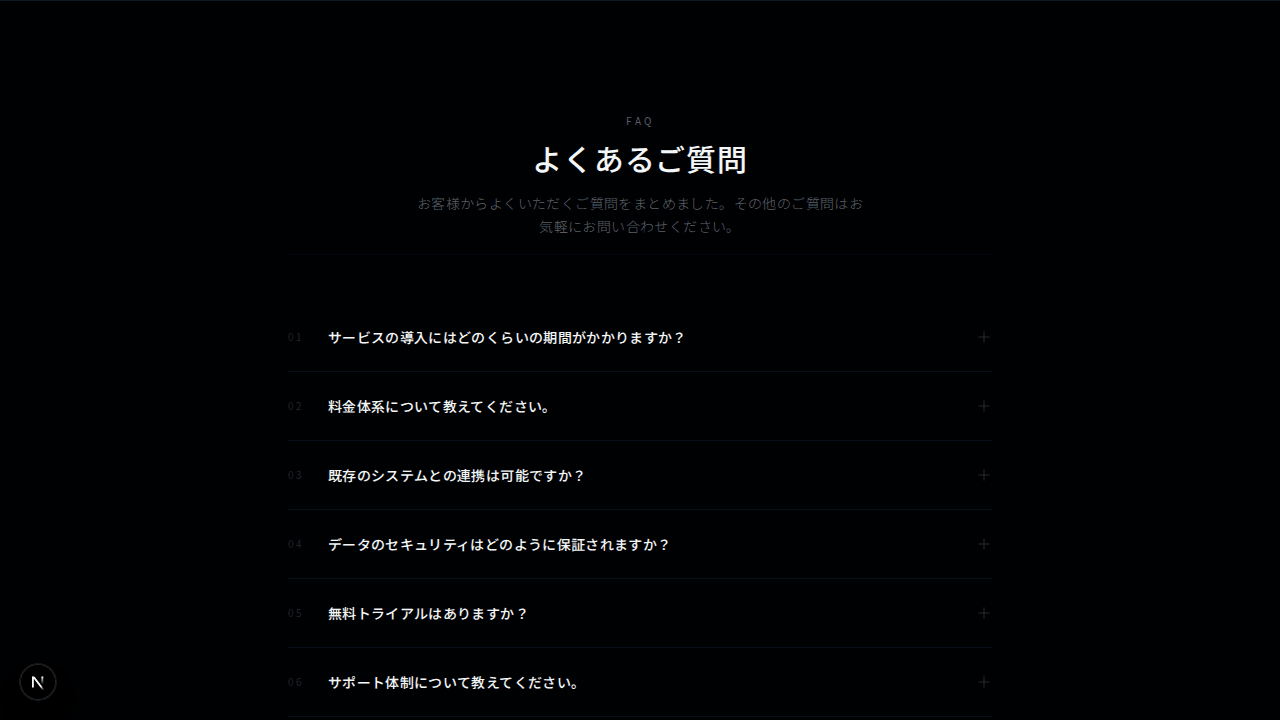
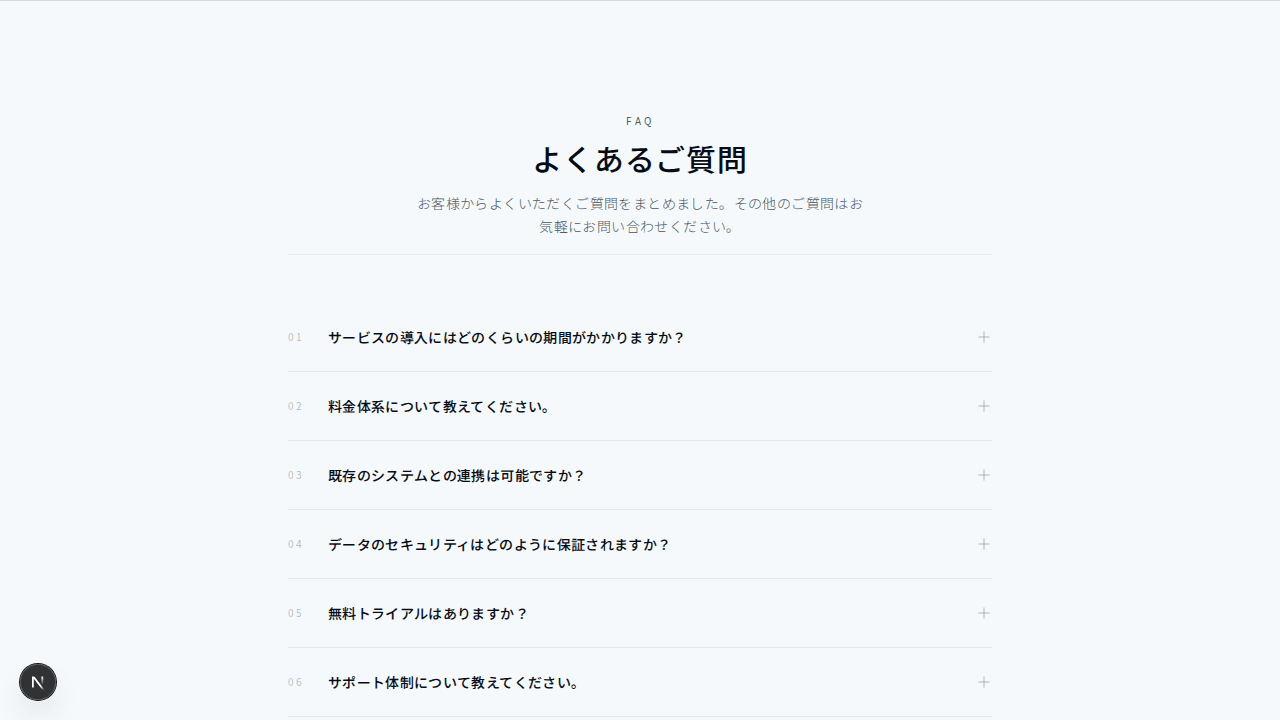
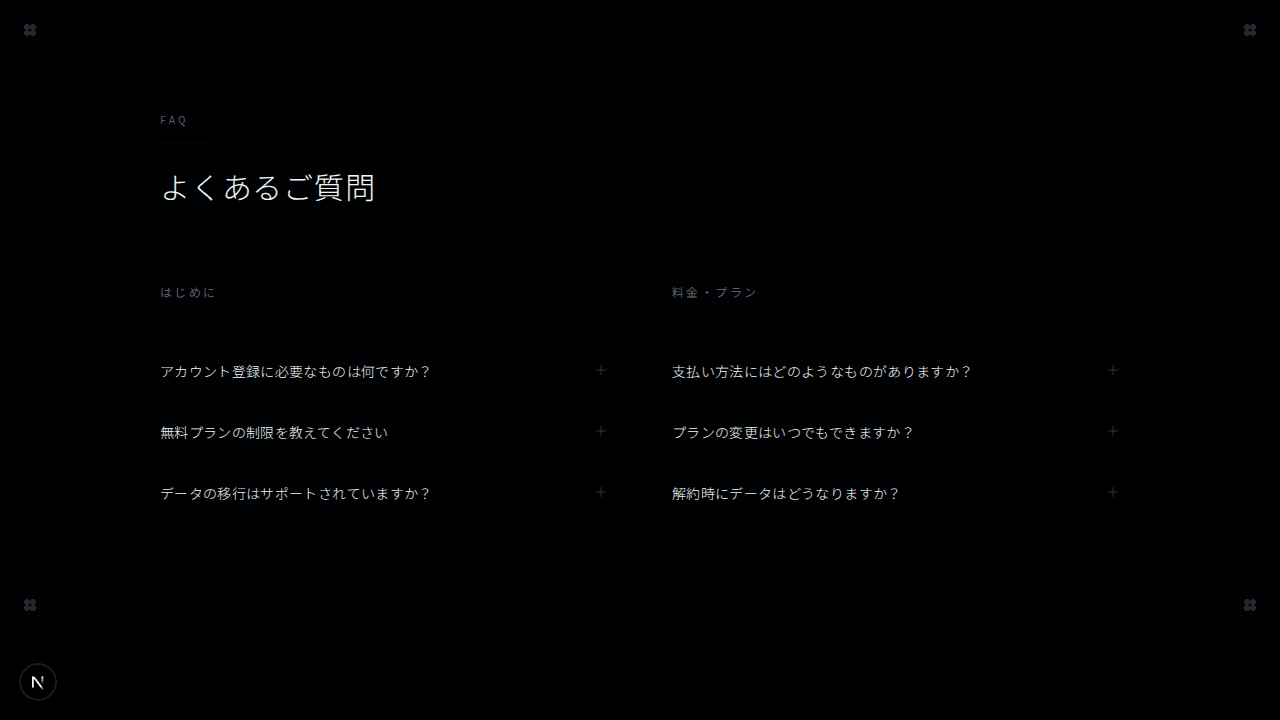
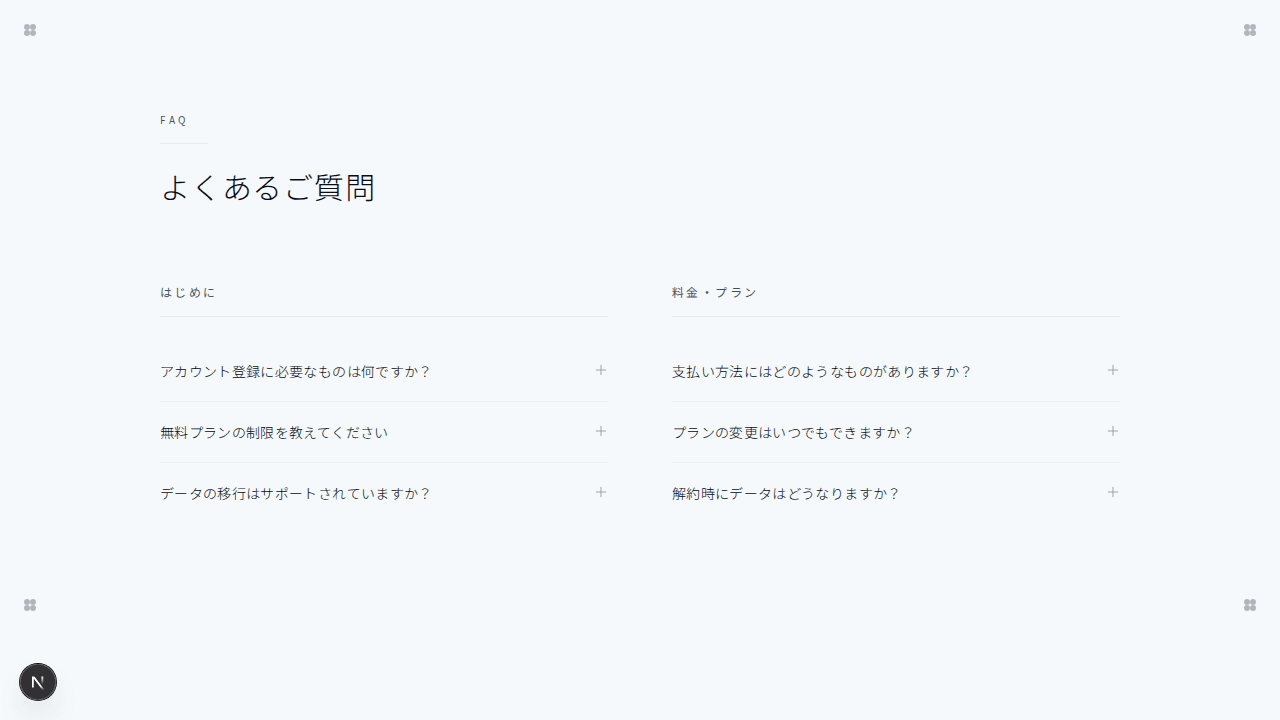
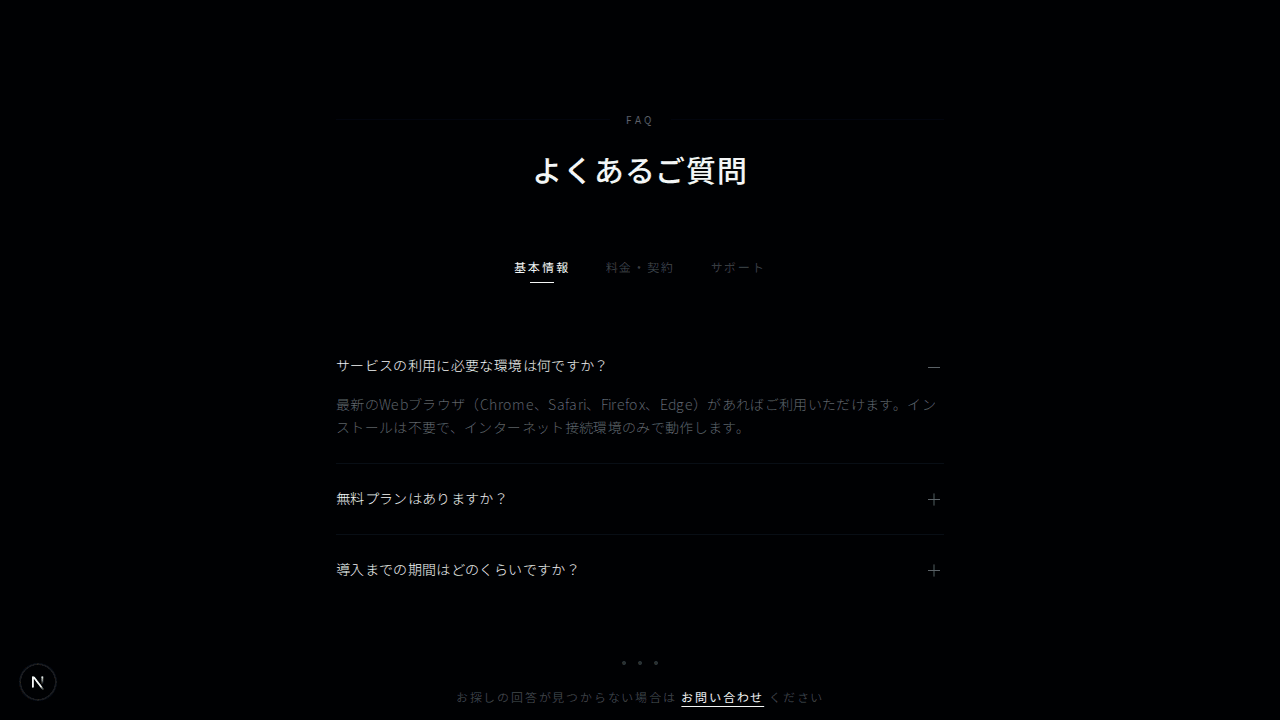
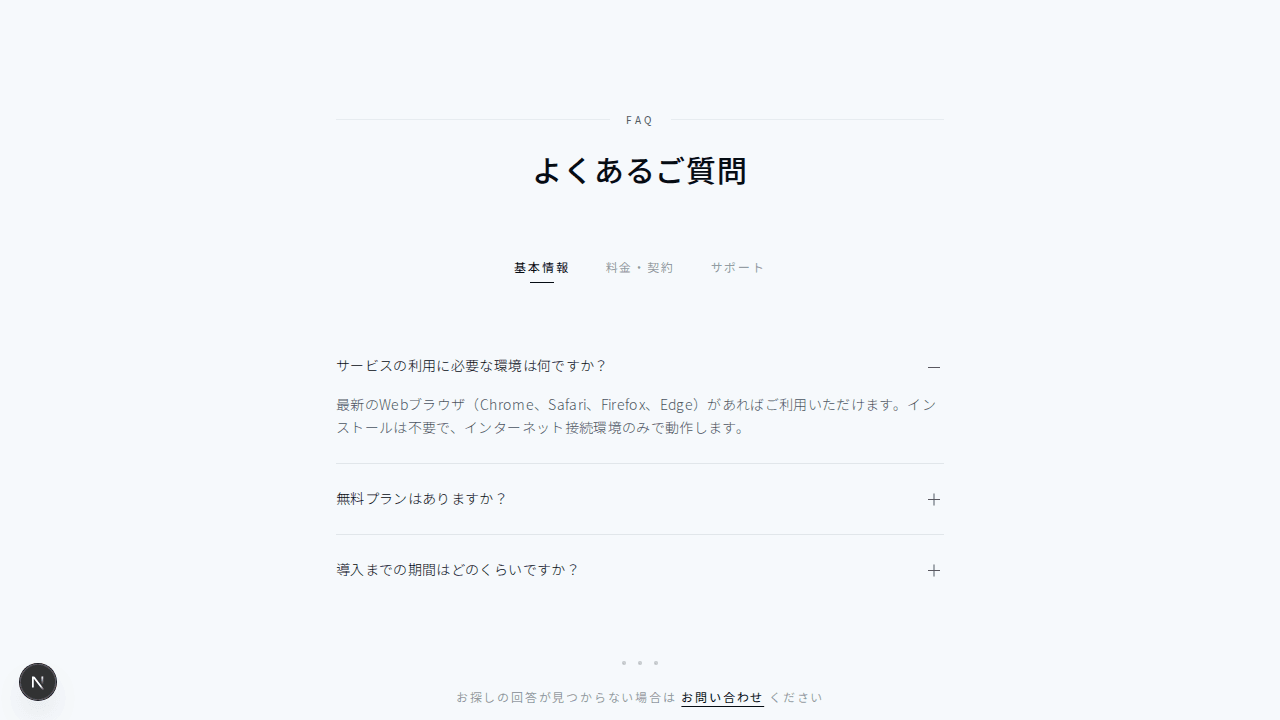
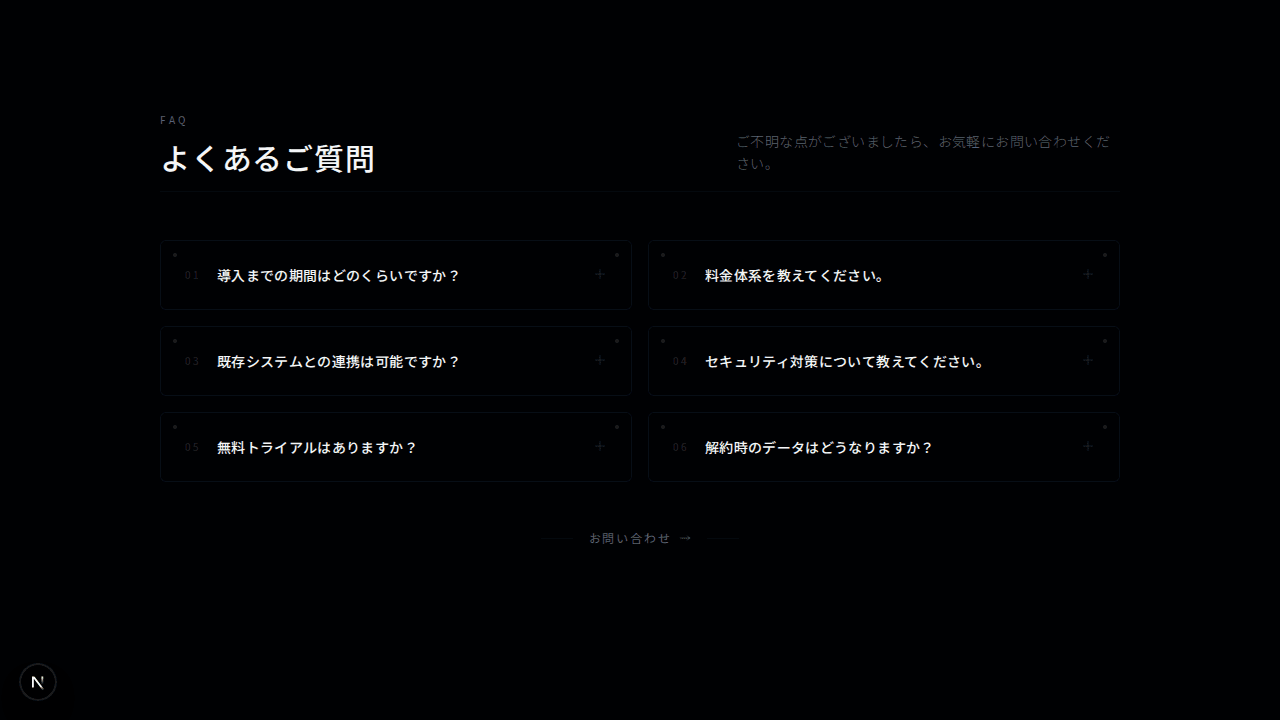
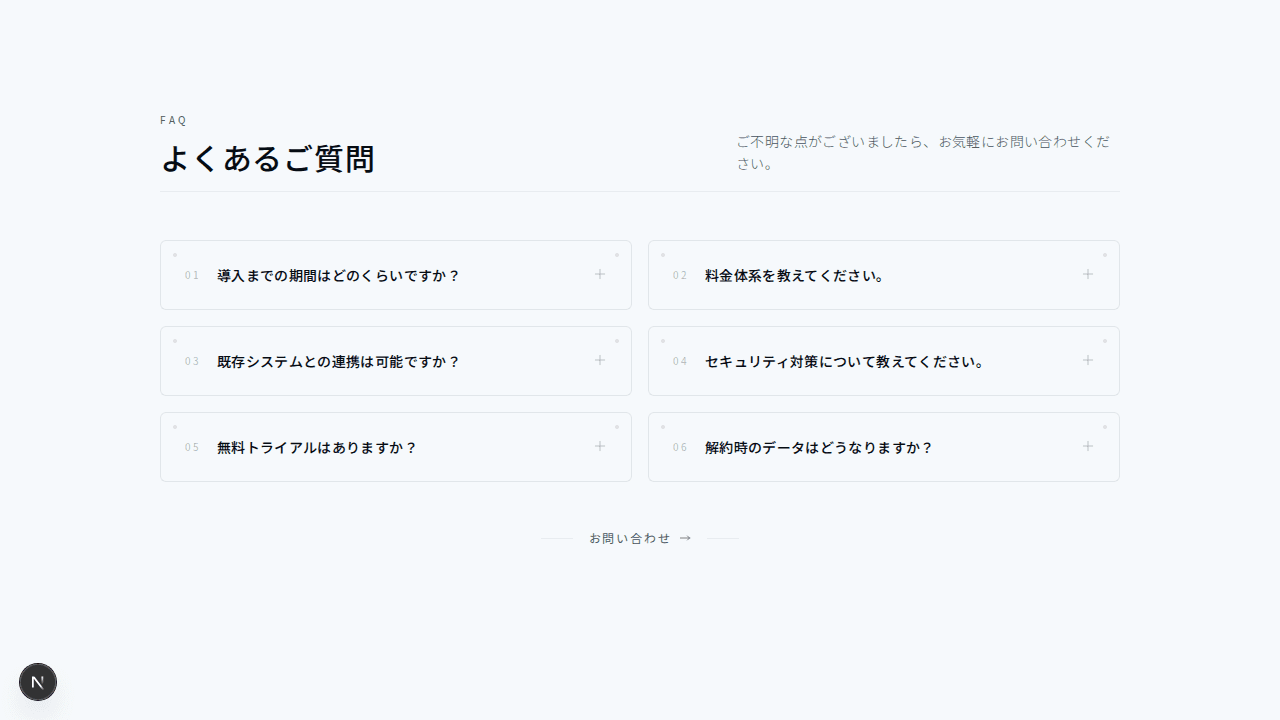
フローティングカードFAQ
#グリッドレイアウト#ミニマル+2
開閉式のFAQセクション
1"use client";23import { useState } from "react";45export function FaqAccordion001() {6 const [openIndex, setOpenIndex] = useState<number | null>(0);78 const faqs = [9 {10 question: "How do I get started?",11 answer:12 "Getting started is easy! Simply sign up for a free account, and you'll have access to all our basic features. Our onboarding wizard will guide you through the setup process step by step.",13 },14 {15 question: "What payment methods do you accept?",16 answer:17 "We accept all major credit cards (Visa, MasterCard, American Express), PayPal, and bank transfers for annual plans. All payments are processed securely through Stripe.",18 },19 {20 question: "Can I cancel my subscription anytime?",21 answer:22 "Yes, you can cancel your subscription at any time. If you cancel, you'll continue to have access to your paid features until the end of your current billing period.",23 },24 {25 question: "Do you offer a free trial?",26 answer:27 "Absolutely! We offer a 14-day free trial with full access to all Pro features. No credit card required to start your trial.",28 },29 {30 question: "Is my data secure?",31 answer:32 "Security is our top priority. We use bank-grade encryption (AES-256) for all data, and our infrastructure is SOC 2 Type II certified. We never share your data with third parties.",33 },34 ];3536 return (37 <section className="bg-background py-24">38 <div className="mx-auto max-w-3xl px-4 sm:px-6 lg:px-8">39 {/* ヘッダー */}40 <div className="mb-16 text-center">41 <p className="mb-4 text-sm font-medium uppercase tracking-[0.2em] text-muted-foreground">42 Support43 </p>44 <h2 className="mb-6 text-3xl font-light tracking-wide text-foreground sm:text-4xl">45 Frequently asked questions46 </h2>47 <p className="text-lg tracking-wide text-muted-foreground">48 Everything you need to know about the product.49 </p>50 </div>5152 {/* FAQ アコーディオン */}53 <div className="space-y-3">54 {faqs.map((faq, index) => (55 <div56 key={index}57 className="overflow-hidden border border-border bg-background transition-colors hover:border-muted-foreground/50"58 >59 <button60 className="flex w-full items-center justify-between px-6 py-5 text-left"61 onClick={() =>62 setOpenIndex(openIndex === index ? null : index)63 }64 >65 <span className="font-light tracking-wide text-foreground">66 {faq.question}67 </span>68 <svg69 className={`h-4 w-4 shrink-0 text-muted-foreground transition-transform duration-300 ${70 openIndex === index ? "rotate-180" : ""71 }`}72 fill="none"73 viewBox="0 0 24 24"74 stroke="currentColor"75 >76 <path77 strokeLinecap="round"78 strokeLinejoin="round"79 strokeWidth={1.5}80 d="M19 9l-7 7-7-7"81 />82 </svg>83 </button>84 <div85 className={`overflow-hidden transition-all duration-300 ${86 openIndex === index ? "max-h-96" : "max-h-0"87 }`}88 >89 <p className="px-6 pb-5 text-muted-foreground leading-relaxed tracking-wide">90 {faq.answer}91 </p>92 </div>93 </div>94 ))}95 </div>9697 {/* サポートCTA */}98 <div className="mt-16 border border-border p-8 text-center">99 <p className="mb-2 text-lg font-light tracking-wide text-foreground">100 Still have questions?101 </p>102 <p className="mb-6 text-muted-foreground tracking-wide">103 Can't find the answer you're looking for? Reach out to our104 support team.105 </p>106 <button className="inline-flex h-11 items-center justify-center border border-border bg-transparent px-8 text-sm font-medium uppercase tracking-[0.15em] text-foreground transition-all hover:border-foreground hover:bg-foreground hover:text-background">107 Contact Support108 </button>109 </div>110 </div>111 </section>112 );113}