View Details
FAQ
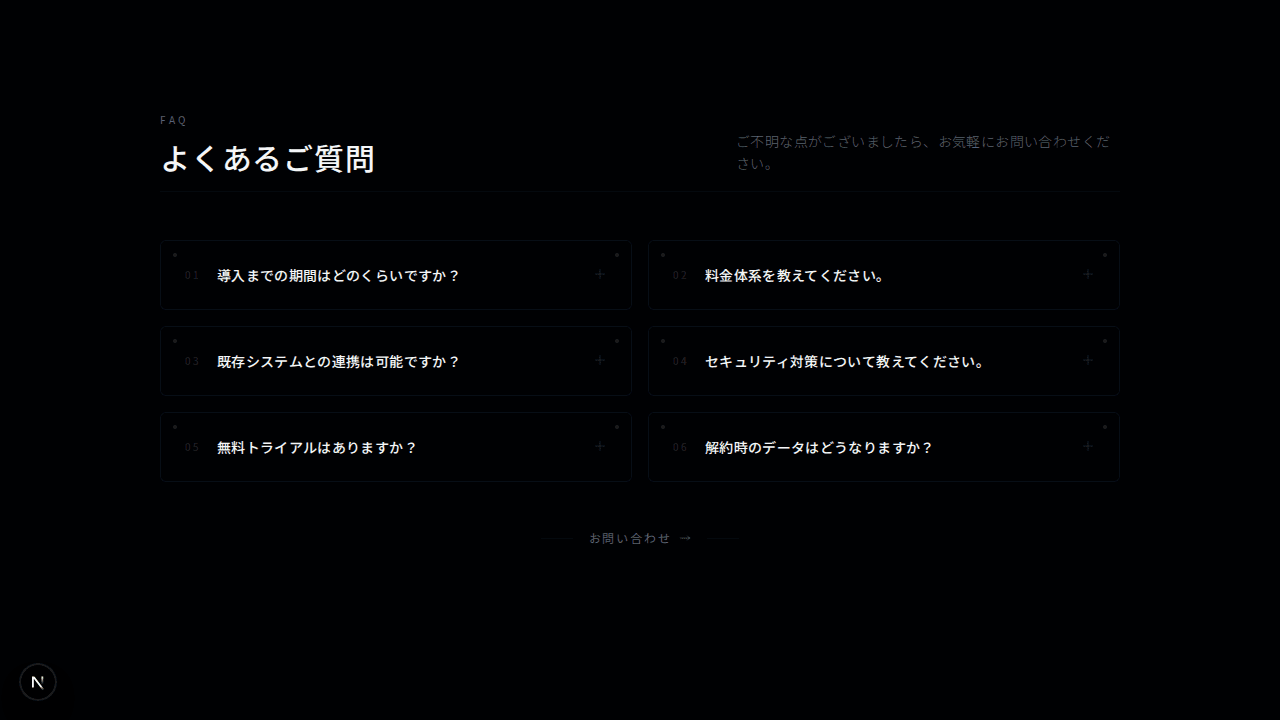
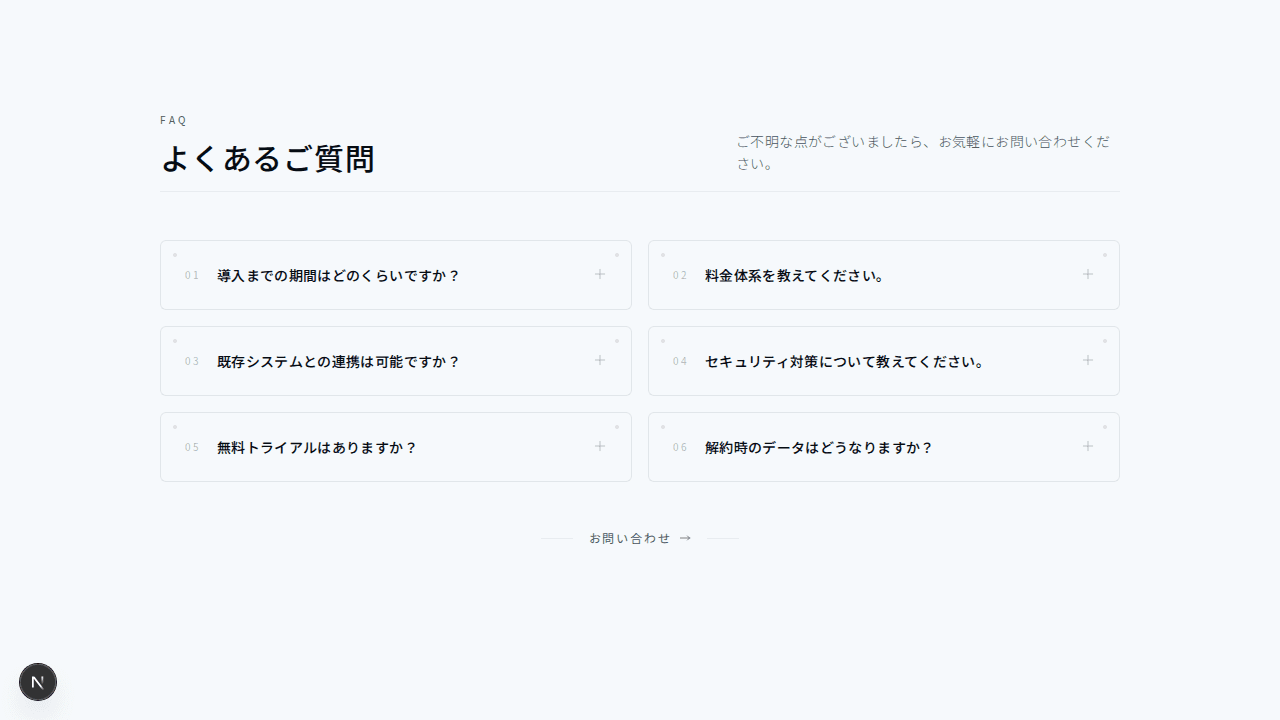
フローティングカードFAQ
#グリッドレイアウト#ミニマル+2
検索機能付きのFAQセクション
1"use client";23import { useState, useMemo } from "react";45// FAQデータの型定義6type FaqItem = {7 question: string;8 answer: string;9 category: string;10};1112// FAQデータ(コンポーネント外に配置して参照の安定性を確保)13const FAQ_DATA: FaqItem[] = [14 {15 question: "How do I reset my password?",16 answer:17 "Click on 'Forgot Password' on the login page. Enter your email address and we'll send you a secure link to reset your password within minutes.",18 category: "Account",19 },20 {21 question: "Can I change my email address?",22 answer:23 "Yes, you can update your email address in Account Settings. You'll need to verify the new email before the change takes effect.",24 category: "Account",25 },26 {27 question: "What payment methods do you accept?",28 answer:29 "We accept Visa, MasterCard, American Express, PayPal, and bank transfers. Enterprise customers can also pay via invoice.",30 category: "Billing",31 },32 {33 question: "How do I cancel my subscription?",34 answer:35 "Navigate to Settings > Subscription > Cancel. Your access continues until the end of the current billing period. You can reactivate anytime.",36 category: "Billing",37 },38 {39 question: "Is there a free trial?",40 answer:41 "Yes, all paid plans include a 14-day free trial with full feature access. No credit card required to start.",42 category: "Billing",43 },44 {45 question: "How do I invite team members?",46 answer:47 "Go to Team Settings and click 'Invite Members'. Enter their email addresses and select their role. They'll receive an invitation to join.",48 category: "Teams",49 },50 {51 question: "What are the different user roles?",52 answer:53 "We offer Admin, Editor, and Viewer roles. Admins have full access, Editors can create and modify content, and Viewers have read-only access.",54 category: "Teams",55 },56 {57 question: "How secure is my data?",58 answer:59 "We use AES-256 encryption, are SOC 2 Type II certified, and perform regular security audits. Your data is backed up daily across multiple regions.",60 category: "Security",61 },62 {63 question: "Do you have an API?",64 answer:65 "Yes, we offer a comprehensive REST API with detailed documentation. API access is included in Pro and Enterprise plans.",66 category: "Features",67 },68 {69 question: "Can I export my data?",70 answer:71 "Absolutely. Export your data anytime in CSV, JSON, or PDF format from Settings > Data Export. We believe in data portability.",72 category: "Features",73 },74];7576export function FaqSearch001() {77 const [searchQuery, setSearchQuery] = useState("");78 const [openIndex, setOpenIndex] = useState<number | null>(null);7980 const filteredFaqs = useMemo(() => {81 if (!searchQuery.trim()) return FAQ_DATA;82 const query = searchQuery.toLowerCase();83 return FAQ_DATA.filter(84 (faq) =>85 faq.question.toLowerCase().includes(query) ||86 faq.answer.toLowerCase().includes(query) ||87 faq.category.toLowerCase().includes(query)88 );89 }, [searchQuery]);9091 const categories = useMemo(() => {92 const cats = new Set(filteredFaqs.map((faq) => faq.category));93 return Array.from(cats);94 }, [filteredFaqs]);9596 return (97 <section className="bg-background py-24">98 <div className="mx-auto max-w-4xl px-4 sm:px-6 lg:px-8">99 {/* ヘッダー */}100 <div className="mb-12 text-center">101 <p className="mb-4 text-sm font-medium uppercase tracking-[0.2em] text-muted-foreground">102 Help Center103 </p>104 <h2 className="mb-6 text-3xl font-light tracking-wide text-foreground sm:text-4xl">105 How can we help you?106 </h2>107 </div>108109 {/* 検索フィールド */}110 <div className="relative mb-12">111 <div className="pointer-events-none absolute inset-y-0 left-0 flex items-center pl-5">112 <svg113 className="h-5 w-5 text-muted-foreground"114 fill="none"115 stroke="currentColor"116 viewBox="0 0 24 24"117 >118 <path119 strokeLinecap="round"120 strokeLinejoin="round"121 strokeWidth={1.5}122 d="M21 21l-6-6m2-5a7 7 0 11-14 0 7 7 0 0114 0z"123 />124 </svg>125 </div>126 <input127 type="text"128 placeholder="Search for answers..."129 value={searchQuery}130 onChange={(e) => setSearchQuery(e.target.value)}131 className="w-full border border-border bg-transparent py-4 pl-14 pr-5 text-foreground placeholder-muted-foreground tracking-wide transition-colors focus:border-muted-foreground focus:outline-none"132 />133 </div>134135 {/* 検索結果カウント */}136 {searchQuery && (137 <p className="mb-8 text-sm tracking-wide text-muted-foreground">138 {filteredFaqs.length} result{filteredFaqs.length !== 1 ? "s" : ""}{" "}139 found140 </p>141 )}142143 {/* FAQ リスト(カテゴリ別) */}144 {filteredFaqs.length > 0 ? (145 <div className="space-y-12">146 {categories.map((category) => (147 <div key={category}>148 <h3 className="mb-6 text-sm font-medium uppercase tracking-[0.2em] text-muted-foreground">149 {category}150 </h3>151 <div className="space-y-3">152 {filteredFaqs153 .filter((faq) => faq.category === category)154 .map((faq, index) => {155 const globalIndex = FAQ_DATA.indexOf(faq);156 return (157 <div158 key={index}159 className="border border-border transition-colors hover:border-muted-foreground/50"160 >161 <button162 className="flex w-full items-center justify-between px-6 py-5 text-left"163 onClick={() =>164 setOpenIndex(165 openIndex === globalIndex ? null : globalIndex166 )167 }168 >169 <span className="font-light tracking-wide text-foreground">170 {faq.question}171 </span>172 <svg173 className={`h-4 w-4 shrink-0 text-muted-foreground transition-transform duration-300 ${174 openIndex === globalIndex ? "rotate-180" : ""175 }`}176 fill="none"177 viewBox="0 0 24 24"178 stroke="currentColor"179 >180 <path181 strokeLinecap="round"182 strokeLinejoin="round"183 strokeWidth={1.5}184 d="M19 9l-7 7-7-7"185 />186 </svg>187 </button>188 <div189 className={`overflow-hidden transition-all duration-300 ${190 openIndex === globalIndex ? "max-h-96" : "max-h-0"191 }`}192 >193 <p className="px-6 pb-5 text-muted-foreground leading-relaxed tracking-wide">194 {faq.answer}195 </p>196 </div>197 </div>198 );199 })}200 </div>201 </div>202 ))}203 </div>204 ) : (205 <div className="text-center py-12">206 <p className="text-muted-foreground tracking-wide">207 No results found for “{searchQuery}”208 </p>209 <button210 onClick={() => setSearchQuery("")}211 className="mt-4 text-sm font-medium uppercase tracking-[0.15em] text-foreground transition-colors hover:text-muted-foreground"212 >213 Clear search214 </button>215 </div>216 )}217218 {/* サポートCTA */}219 <div className="mt-16 border-t border-border pt-16 text-center">220 <p className="mb-2 text-lg font-light tracking-wide text-foreground">221 Can't find what you're looking for?222 </p>223 <p className="mb-6 text-muted-foreground tracking-wide">224 Our support team is here to help.225 </p>226 <a227 href="#"228 className="inline-flex h-11 items-center justify-center border border-border px-8 text-sm font-medium uppercase tracking-[0.15em] text-foreground transition-all hover:border-foreground hover:bg-foreground hover:text-background"229 >230 Contact Support231 </a>232 </div>233 </div>234 </section>235 );236}