View Details
ナビゲーション
ドロップダウンナビゲーション
#ミニマル#ホバーエフェクト+1
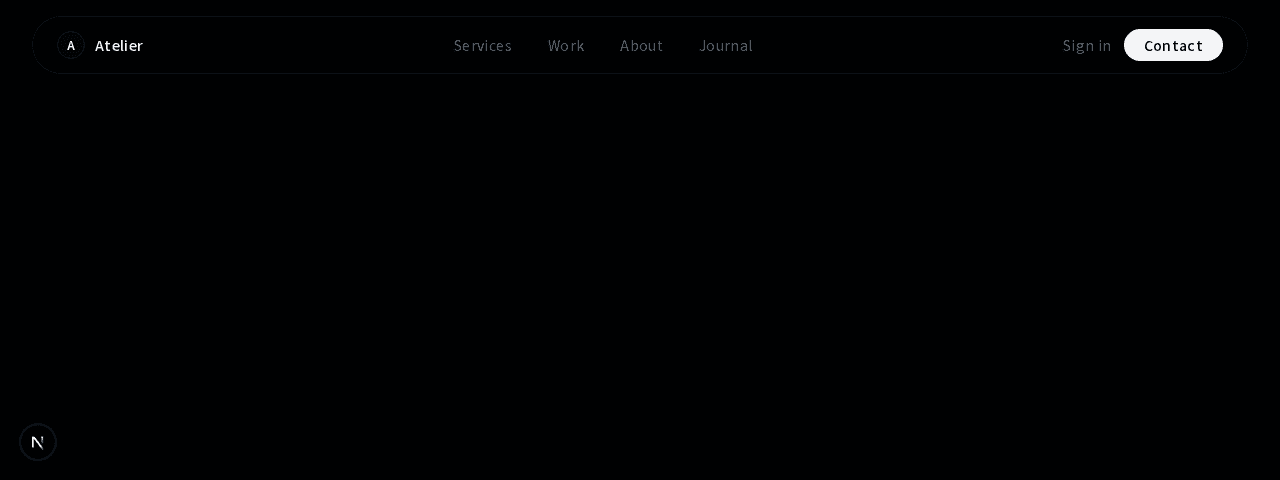
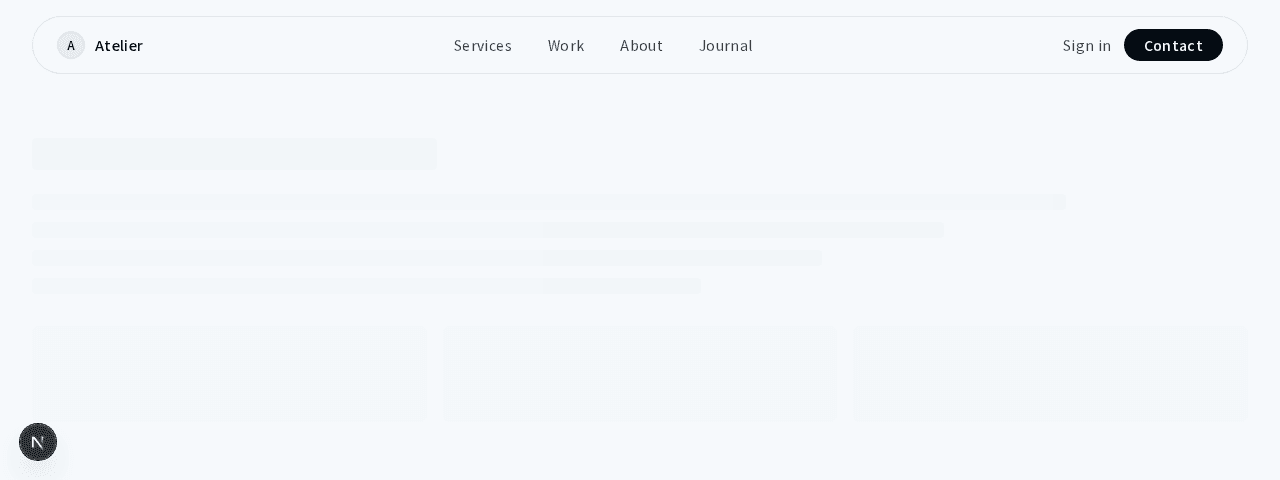
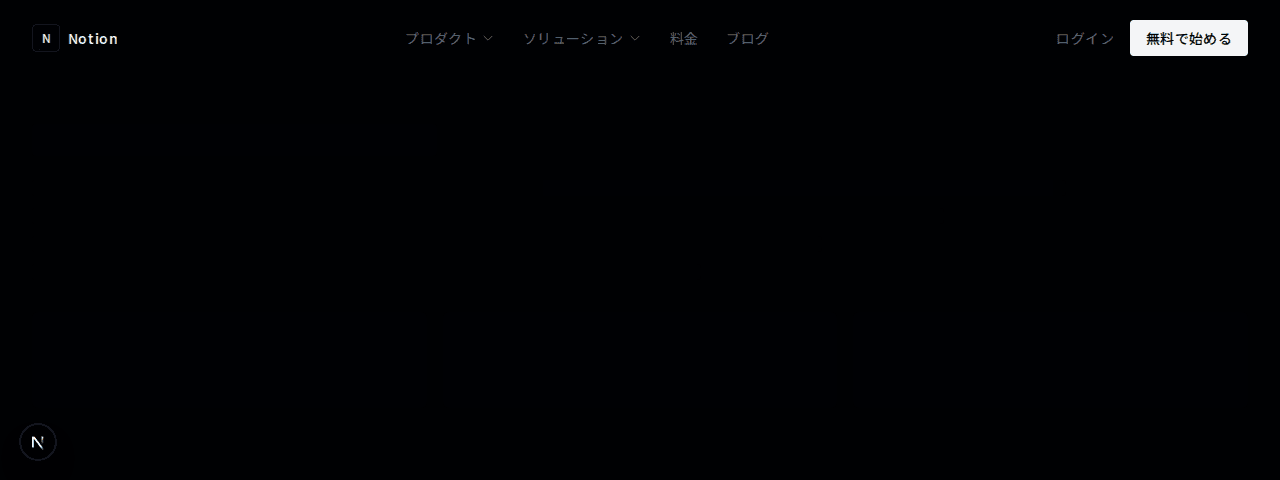
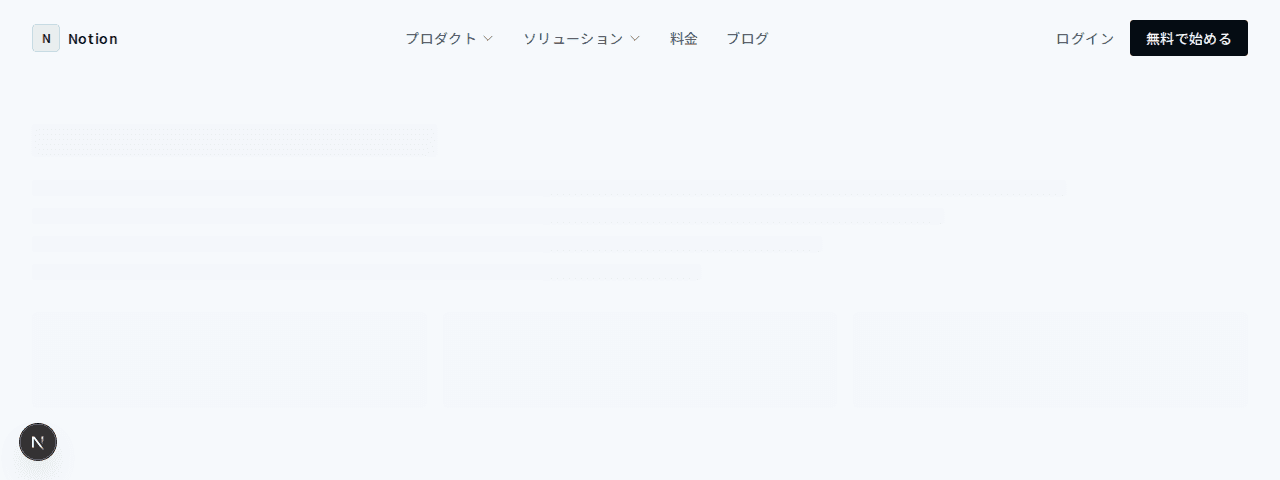
省スペースでありながら必要な情報をすべて配置したコンパクトなナビゲーションバー。区切り線でリンクを視覚的に分離するミニマルなデザイン
1"use client";23import { useState } from "react";4import Link from "next/link";56export function NavigationCompact001() {7 const [mobileMenuOpen, setMobileMenuOpen] = useState(false);89 const navLinks = [10 { label: "Products", href: "#" },11 { label: "Solutions", href: "#" },12 { label: "Resources", href: "#" },13 { label: "Pricing", href: "#" },14 ];1516 return (17 <header className="w-full border-b border-border bg-background">18 <div className="mx-auto max-w-7xl px-4 sm:px-6 lg:px-8">19 <nav className="flex h-14 items-center justify-between">20 {/* ロゴ + ナビゲーション */}21 <div className="flex items-center gap-10">22 <Link href="#" className="flex items-center gap-2">23 <div className="flex h-6 w-6 items-center justify-center rounded border border-border">24 <span className="text-[10px] font-medium text-foreground">C</span>25 </div>26 <span className="text-sm font-medium tracking-wide text-foreground">27 Craft28 </span>29 </Link>3031 <div className="hidden items-center md:flex">32 <div className="flex items-center">33 {navLinks.map((link, i) => (34 <div key={link.label} className="flex items-center">35 {i > 0 && (36 <div className="mx-1 h-3 w-px bg-border/40" />37 )}38 <Link39 href={link.href}40 className="px-3 py-1 text-xs tracking-wide text-muted-foreground transition-colors duration-200 hover:text-foreground"41 >42 {link.label}43 </Link>44 </div>45 ))}46 </div>47 </div>48 </div>4950 {/* 右側アクション */}51 <div className="hidden items-center gap-4 md:flex">52 <Link53 href="#"54 className="text-xs tracking-wide text-muted-foreground transition-colors duration-200 hover:text-foreground"55 >56 Sign in57 </Link>58 <div className="h-3 w-px bg-border/40" />59 <Link60 href="#"61 className="flex items-center gap-1.5 text-xs tracking-wide text-foreground transition-colors duration-200 hover:text-foreground/80"62 >63 Get Started64 <svg65 className="h-3 w-3"66 fill="none"67 stroke="currentColor"68 viewBox="0 0 24 24"69 >70 <path71 strokeLinecap="round"72 strokeLinejoin="round"73 strokeWidth={1.5}74 d="M13.5 4.5L21 12m0 0l-7.5 7.5M21 12H3"75 />76 </svg>77 </Link>78 </div>7980 {/* モバイルメニューボタン */}81 <button82 className="text-muted-foreground hover:text-foreground md:hidden"83 onClick={() => setMobileMenuOpen(!mobileMenuOpen)}84 >85 <svg86 className="h-5 w-5"87 fill="none"88 stroke="currentColor"89 viewBox="0 0 24 24"90 >91 {mobileMenuOpen ? (92 <path93 strokeLinecap="round"94 strokeLinejoin="round"95 strokeWidth={1.5}96 d="M6 18L18 6M6 6l12 12"97 />98 ) : (99 <path100 strokeLinecap="round"101 strokeLinejoin="round"102 strokeWidth={1.5}103 d="M4 6h16M4 12h16M4 18h16"104 />105 )}106 </svg>107 </button>108 </nav>109 </div>110111 {/* モバイルメニュー */}112 {mobileMenuOpen && (113 <div className="border-t border-border bg-background px-4 pb-5 pt-3 md:hidden">114 <div className="space-y-1">115 {navLinks.map((link) => (116 <Link117 key={link.label}118 href={link.href}119 className="block py-2 text-xs tracking-wide text-muted-foreground transition-colors duration-200 hover:text-foreground"120 >121 {link.label}122 </Link>123 ))}124 </div>125 <div className="mt-4 h-px bg-border/40" />126 <div className="mt-4 flex items-center gap-4">127 <Link128 href="#"129 className="text-xs tracking-wide text-muted-foreground transition-colors duration-200 hover:text-foreground"130 >131 Sign in132 </Link>133 <Link134 href="#"135 className="flex items-center gap-1.5 text-xs tracking-wide text-foreground"136 >137 Get Started138 <svg139 className="h-3 w-3"140 fill="none"141 stroke="currentColor"142 viewBox="0 0 24 24"143 >144 <path145 strokeLinecap="round"146 strokeLinejoin="round"147 strokeWidth={1.5}148 d="M13.5 4.5L21 12m0 0l-7.5 7.5M21 12H3"149 />150 </svg>151 </Link>152 </div>153 </div>154 )}155 </header>156 );157}