New
View Details
ナビゲーション
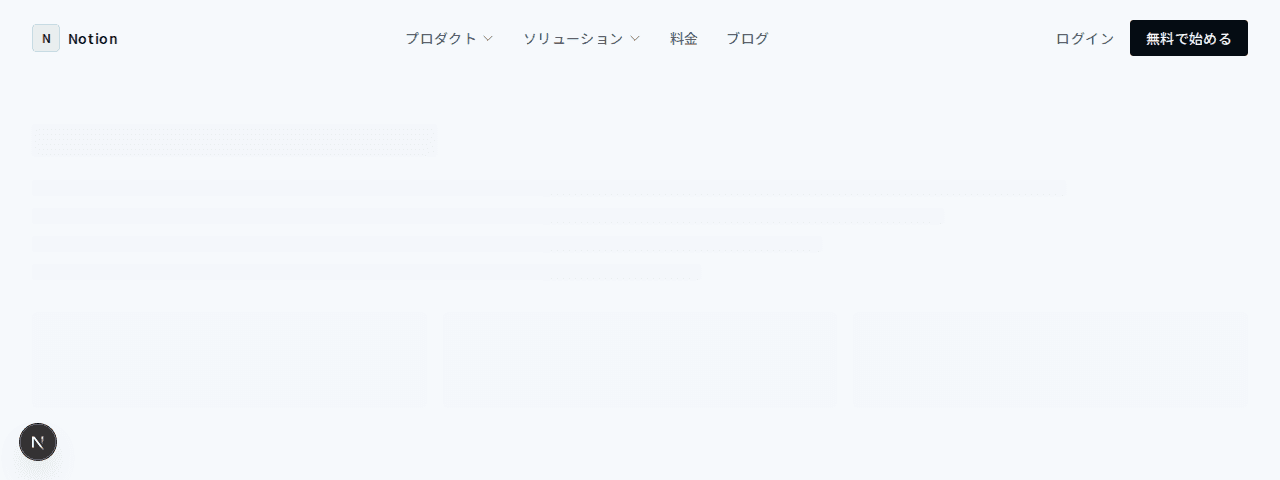
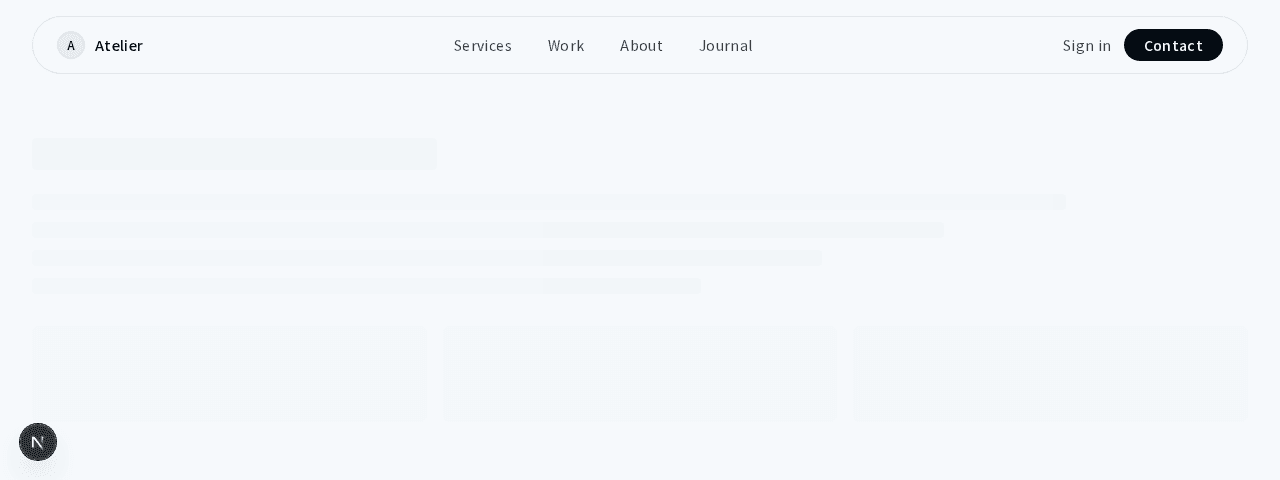
コンパクトナビゲーション
#ミニマル#ホバーエフェクト
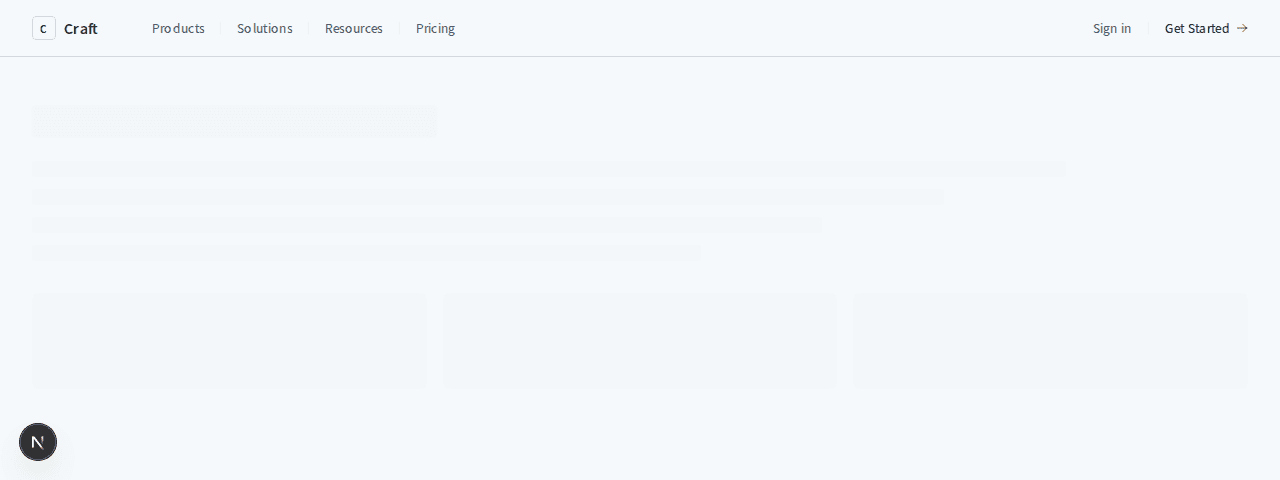
グラデーションアクセントとモバイル対応のスティッキーヘッダー
1"use client";23import { useState } from "react";4import Link from "next/link";56export function NavigationModern001() {7 const [mobileMenuOpen, setMobileMenuOpen] = useState(false);89 const navLinks = [10 { label: "Features", href: "#" },11 { label: "Pricing", href: "#" },12 { label: "About", href: "#" },13 { label: "Blog", href: "#" },14 ];1516 return (17 <header className="sticky top-0 z-50 w-full border-b border-border bg-background/80 backdrop-blur-xl">18 <nav className="mx-auto flex max-w-7xl items-center justify-between px-4 py-4 sm:px-6 lg:px-8">19 {/* Logo */}20 <Link href="#" className="flex items-center gap-3">21 <div className="flex h-9 w-9 items-center justify-center rounded-lg border border-border bg-muted">22 <span className="text-sm font-bold tracking-wider text-foreground">L</span>23 </div>24 <span className="text-xl font-semibold tracking-wide text-foreground">25 Logo26 </span>27 </Link>2829 {/* Desktop Navigation */}30 <div className="hidden items-center gap-10 md:flex">31 {navLinks.map((link) => (32 <Link33 key={link.label}34 href={link.href}35 className="text-sm font-medium tracking-wide text-muted-foreground transition-colors duration-200 hover:text-foreground"36 >37 {link.label}38 </Link>39 ))}40 </div>4142 {/* CTA Buttons */}43 <div className="hidden items-center gap-4 md:flex">44 <button className="rounded-lg px-4 py-2 text-sm font-medium tracking-wide text-muted-foreground transition-colors duration-200 hover:text-foreground">45 Log in46 </button>47 <button className="rounded-lg border border-border bg-foreground px-4 py-2 text-sm font-medium tracking-wide text-background transition-all duration-200 hover:bg-foreground/90">48 Get Started49 </button>50 </div>5152 {/* Mobile Menu Button */}53 <button54 className="rounded-lg p-2 text-muted-foreground hover:bg-muted hover:text-foreground md:hidden"55 onClick={() => setMobileMenuOpen(!mobileMenuOpen)}56 >57 <svg58 className="h-6 w-6"59 fill="none"60 stroke="currentColor"61 viewBox="0 0 24 24"62 >63 {mobileMenuOpen ? (64 <path65 strokeLinecap="round"66 strokeLinejoin="round"67 strokeWidth={1.5}68 d="M6 18L18 6M6 6l12 12"69 />70 ) : (71 <path72 strokeLinecap="round"73 strokeLinejoin="round"74 strokeWidth={1.5}75 d="M4 6h16M4 12h16M4 18h16"76 />77 )}78 </svg>79 </button>80 </nav>8182 {/* Mobile Menu */}83 {mobileMenuOpen && (84 <div className="border-t border-border bg-background px-4 py-6 md:hidden">85 <div className="flex flex-col gap-4">86 {navLinks.map((link) => (87 <Link88 key={link.label}89 href={link.href}90 className="text-sm font-medium tracking-wide text-muted-foreground transition-colors duration-200 hover:text-foreground"91 >92 {link.label}93 </Link>94 ))}95 <div className="mt-6 flex flex-col gap-3">96 <button className="w-full rounded-lg border border-border px-4 py-2.5 text-sm font-medium tracking-wide text-muted-foreground transition-colors duration-200 hover:bg-muted">97 Log in98 </button>99 <button className="w-full rounded-lg bg-foreground px-4 py-2.5 text-sm font-medium tracking-wide text-background">100 Get Started101 </button>102 </div>103 </div>104 </div>105 )}106 </header>107 );108}